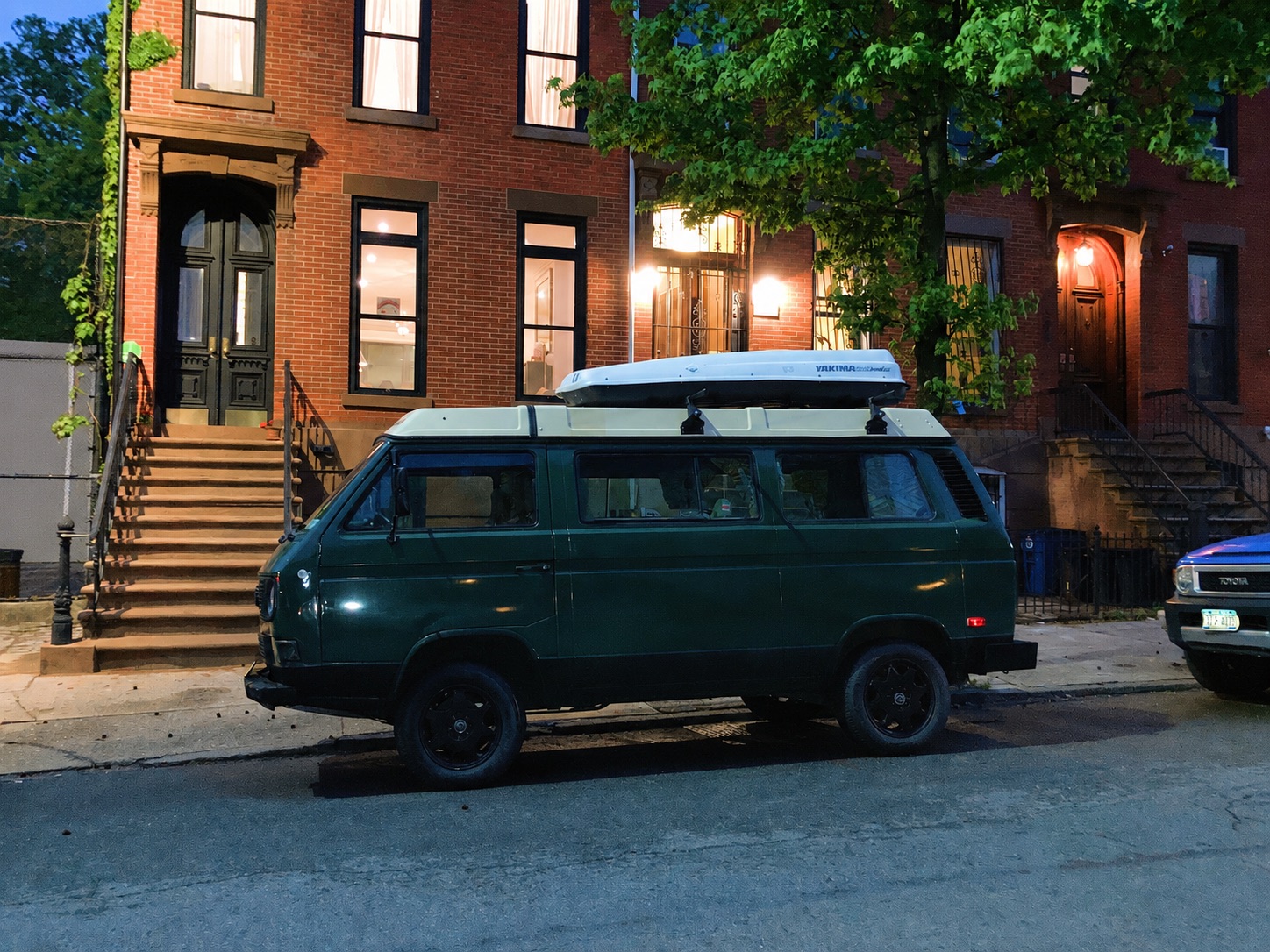

The porch light comes on. The front door unlocks for the household. The coffee routine starts.
You haven’t opened an app or tapped a widget. You didn’t say anything to Siri. You just pulled up.
That moment is what Home Arrival is for. And Apple Home couldn’t do it before, because the thing that arrived wasn’t your phone. It was your car.
What v1 adds#
One motion-style accessory per vehicle, named {Vehicle} Parked at Home. It sits in Apple Home like any other motion sensor. When BetterKey confirms the car has parked inside a Home area you drew, the sensor pulses active for about thirty seconds, then resets. That transition is the trigger your automations run off of.
That’s the whole feature.
It doesn’t stay “on” while you’re home. It doesn’t fire when you leave. It doesn’t put a vehicle location, a map, or any window or fuel telemetry into Apple Home. If you want a way to lock the car from HomeKit, this isn’t that. If you want a live “is the car here right now” state, this isn’t that either.
What it is: a one-shot arrival signal that unlocks the automations you already know how to build.
Why the privacy shape is the product#
There’s a version of this feature where the plugin knows where you live. That’s the version that makes the engineering easy and the trust story impossible.
We wanted the other version.
The Home area you save in BetterKey lives on your iPhone, in the Keychain, and doesn’t sync to your other Apple devices through iCloud. When BetterKey confirms a park, the check “was this inside my Home area” happens on your device. If the answer is yes, an event is created and sent. If the answer is no, nothing happens. If you use the picker’s address search or readable-address display, Apple Maps services process the search or coordinate to provide those results; BetterKey does not receive or store them.
The event that leaves your phone is four fields: an id, the event type, the vehicle id, and a timestamp. There is no coordinate, no address, no radius, no city. The BetterKey backend holds it briefly. The plugin picks it up, marks the id as seen, and pulses the sensor.
The plugin never learns where “home” is. Neither does our server. That constraint is what the launch is about.
A short setup path#
Three moves. Two of them are one-time.
- In BetterKey, connect your vehicle and confirm Park Location is working. Set iPhone location to Always if you haven’t already; that permission is what lets iOS wake BetterKey when you park, so the arrival can be caught with the app in the background. Then open Features → Smart Home → Home Arrival, drop a pin, and set the radius to cover the spot where the car actually ends up.
- Install
homebridge-betterkeyon your Homebridge server, from the Homebridge UI or npm. - In BetterKey, open You → Tools → API Access, generate a labeled API key, and copy the secret. It’s shown once. Paste it into the plugin’s configuration. Your vehicles appear in Apple Home as motion sensors.
If Homebridge itself is new to you, that install is the biggest lift in the whole picture. We can point at the plugin’s README and at our own setup guide, but we can’t run Homebridge on your behalf. On the BetterKey side, the map, the key, and the paste are the whole story.
Full setup and troubleshooting live on the Home Arrival page and in the plugin README.
Set expectations honestly#
“Confirmed park” is the same signal Park Location uses. That means it’s very good, and it means it isn’t perfect. If BetterKey never confirmed the park because the app was killed, or the location fix was poor, or iOS deferred the background wake, no event is created. Events stop being available after twenty-four hours and are then removed by scheduled cleanup, so a plugin restart won’t replay yesterday’s arrivals.
Design your automations with a missed pulse in mind. A porch light that came on because you got home is a delight. A front door that only unlocks on Home Arrival is a lockout waiting to happen. The pulse is a helpful trigger, not a safety net.
Read-only, by design#
The plugin cannot lock, unlock, start, stop, or locate the vehicle. The API key it runs on cannot reach any command endpoint, cannot manage other keys, and cannot list vehicle locations. You can hold up to five active keys per account, each labeled and revocable from You → Tools → API Access at any time. Revoke a key and the plugin stops receiving new events immediately.
That narrow boundary is why we can be comfortable putting car-triggered automations into a shared HomeKit hub. The event still reveals that a particular vehicle arrived at the Home area at a particular time, so protect the API key and your Homebridge configuration. What stays off the wire is the location itself: no address, coordinate, radius, or other vehicle telemetry is included.
The car pulls up. The house responds. Nobody on the outside learns where “the house” is.
That’s the whole point.
See how Home Arrival works → · Install the plugin →
Try BetterKey free for 1 week.