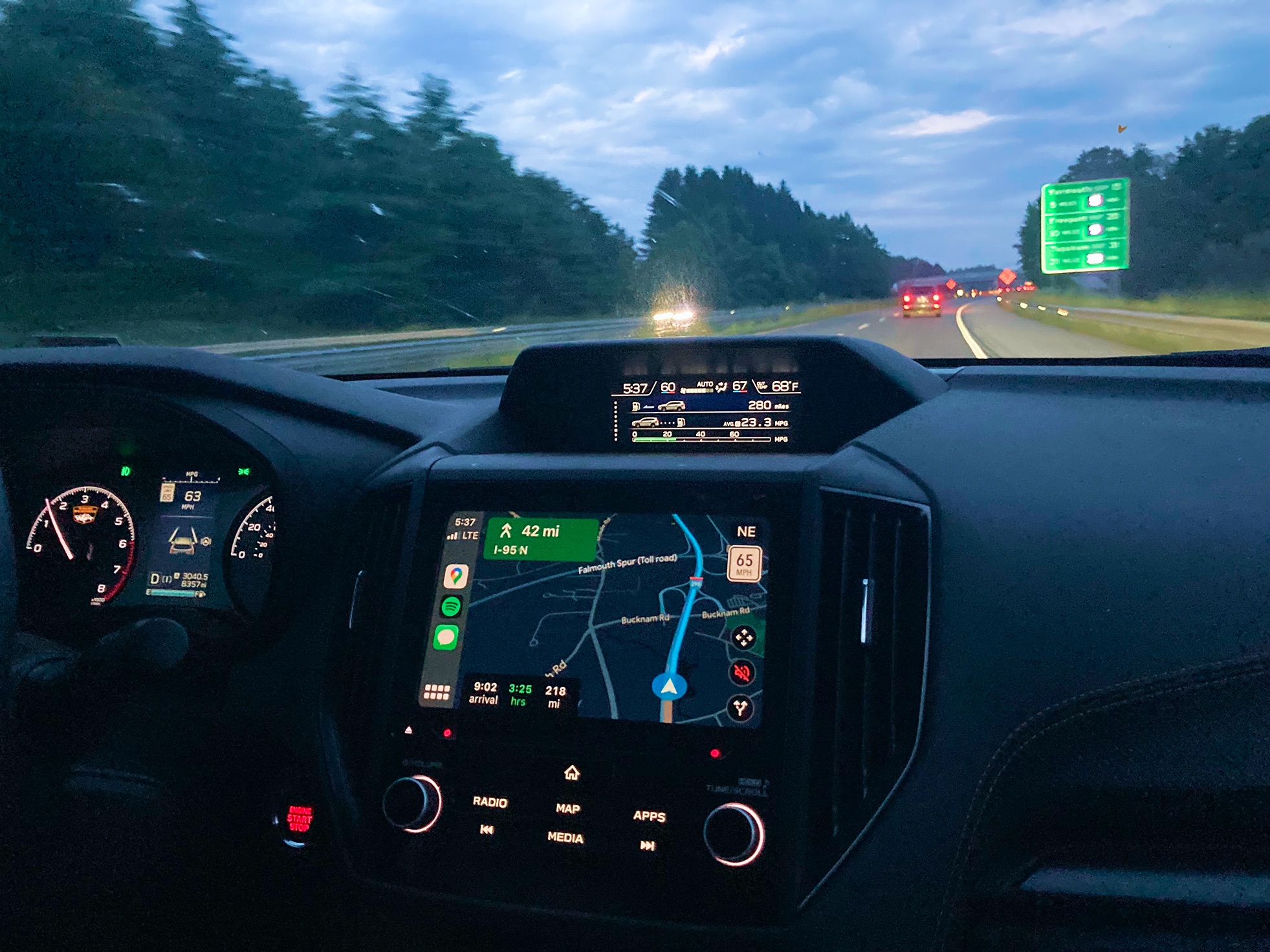


The drive is over. The glow of the screen lingers as you grab your phone and slip it into your pocket.
Maybe it was early. Maybe it was long. Now you’re unloading kids, dogs, or luggage, trying to get everyone settled before bed. Maybe a few more trips back and forth.
BetterKey takes it from here.
How it works#
- Your phone disconnects from CarPlay
- Shortcuts waits a few minutes
- BetterKey locks your car
Why CarPlay Disconnect?#
Unlike a nightly schedule or a home geofence, this trigger fires the moment the drive actually ends, wherever you parked. Grocery store, office lot, a friend’s place, the trailhead. Same behavior every time.
Waiting a few minutes matters. You might forget a bag, hop back in for something you missed, or the kids keep opening and closing doors. The car stays unlocked until you’re really done.
Set it up once, and it runs every time you park.
Follow the step-by-step guide →
Try BetterKey free for 1 week.