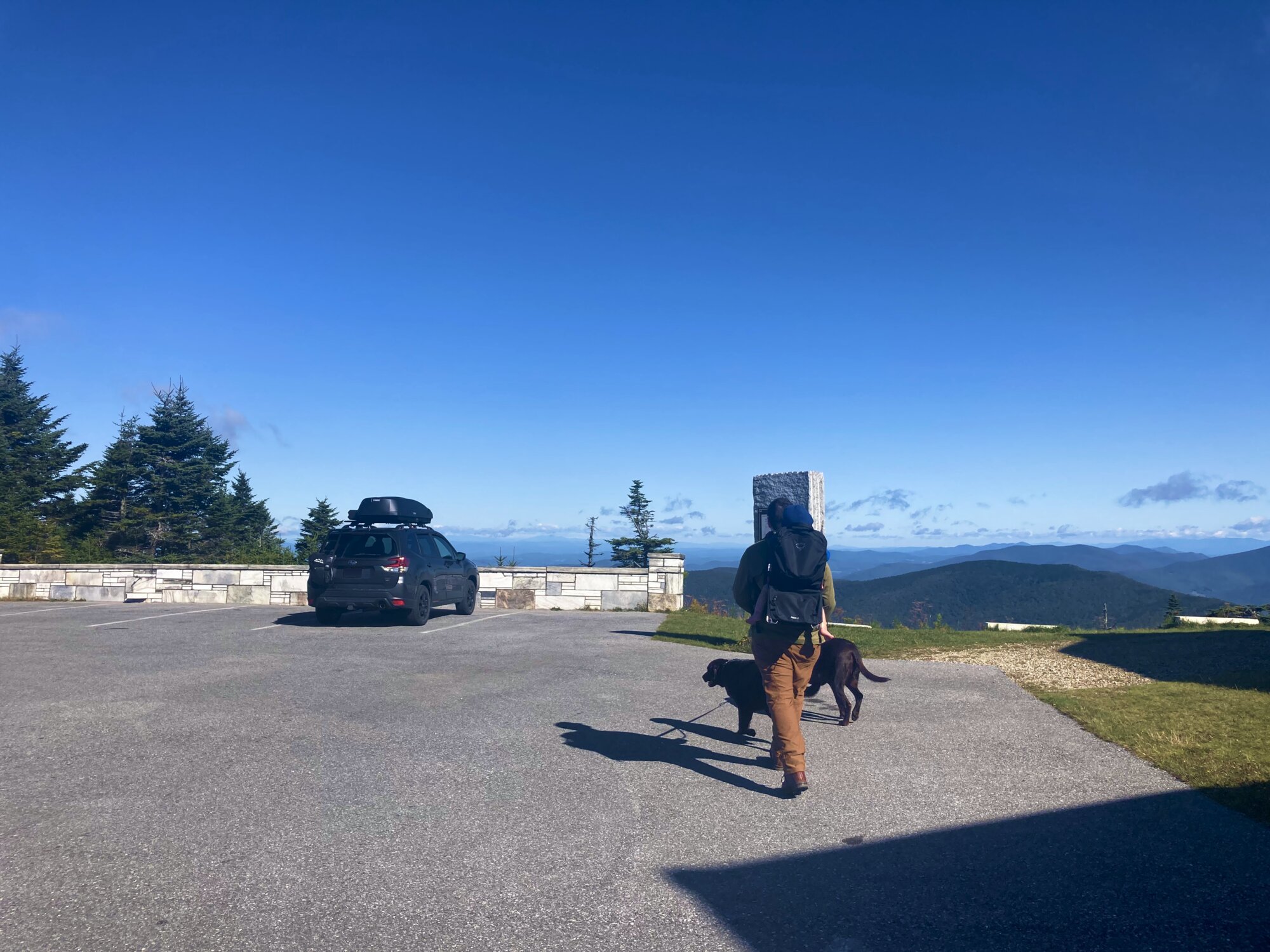


You parked, ran an errand, and now you’re walking back to the car. Arms full, hands cold, or just not in the mood to dig out your phone. The car is still locked.
That’s a small oversight that turns into a small problem every single time.
Prompt to Unlock closes that gap. As you walk up to your parked car, BetterKey notices and surfaces an unlock on your Lock Screen and Apple Watch. Tap it. Open the door.
When it shows up#
Two signals have to line up before BetterKey says anything:
- You’ve come within range of where the car is parked. Built on Park Location, so the spot is the actual parked spot, not where you last opened the app or where you last got a GPS fix.
- You’re walking, not driving. CoreMotion tells BetterKey when your motion looks like walking, not driving. Cruising past your own car at a red light doesn’t trigger the prompt.
If both are true, a Live Activity appears on your Lock Screen and an Unlock notification arrives on your Apple Watch. If you’re a passenger in a passing car or you’re cycling through the neighborhood, the prompt stays out of your way.
What you see#
A small surface, the way Live Activities are meant to feel. It says:
- The car you’re walking up to.
- An Unlock button.
That’s it. No “are you sure,” no “open the app to continue.” Tap once.
On Apple Watch the same offer arrives as an Unlock notification. Same effect from the wrist, no iPhone foregrounding required.
When the unlock command goes out, the button gives way to a quick “Unlocking…” state. A second or two later it says the car is unlocked, and the activity dismisses itself.
If the unlock fails, the activity surfaces a short reason and dismisses on its own.
What it doesn’t do#
Prompt to Unlock never unlocks the car on its own. It speaks up when you’re still walking up, and it always asks before it acts.
If you don’t tap Unlock, BetterKey doesn’t send the unlock command.
What it needs#
- Park Location enabled. That’s where the spot for your car comes from.
- Motion & Fitness access. That’s how BetterKey can tell walking from driving.
- A compatible connected vehicle that supports remote unlock. The unlock command rides the same connection BetterKey already uses for everything else.
The first time you flip Prompt to Unlock on, BetterKey checks whether Park Location is already running. If not, you get a prompt to turn it on too. Turn either off and Prompt to Unlock quietly stops.
Helpful, not pushy#
BetterKey never unlocks the car on its own. Prompt to Unlock is exactly what it sounds like: a prompt. The Live Activity offers the action; the car only unlocks if you tap the button. Walk away without tapping and the activity dismisses itself once your motion changes back to driving.
The whole point is to give you the option in the moment you’d want it, and to disappear the moment you don’t.
You walked up to your car. BetterKey saw you coming.
Try BetterKey free for 1 week.