Find My Car
Open Find My Car to see your vehicle's last reported location, refresh it, and get walking directions or call a ride back.
Before you start, make sure:
- Your car is connected in BetterKey
- Your car has reported its location at least once through your manufacturer’s connected services
Follow the steps
Open Find My Car
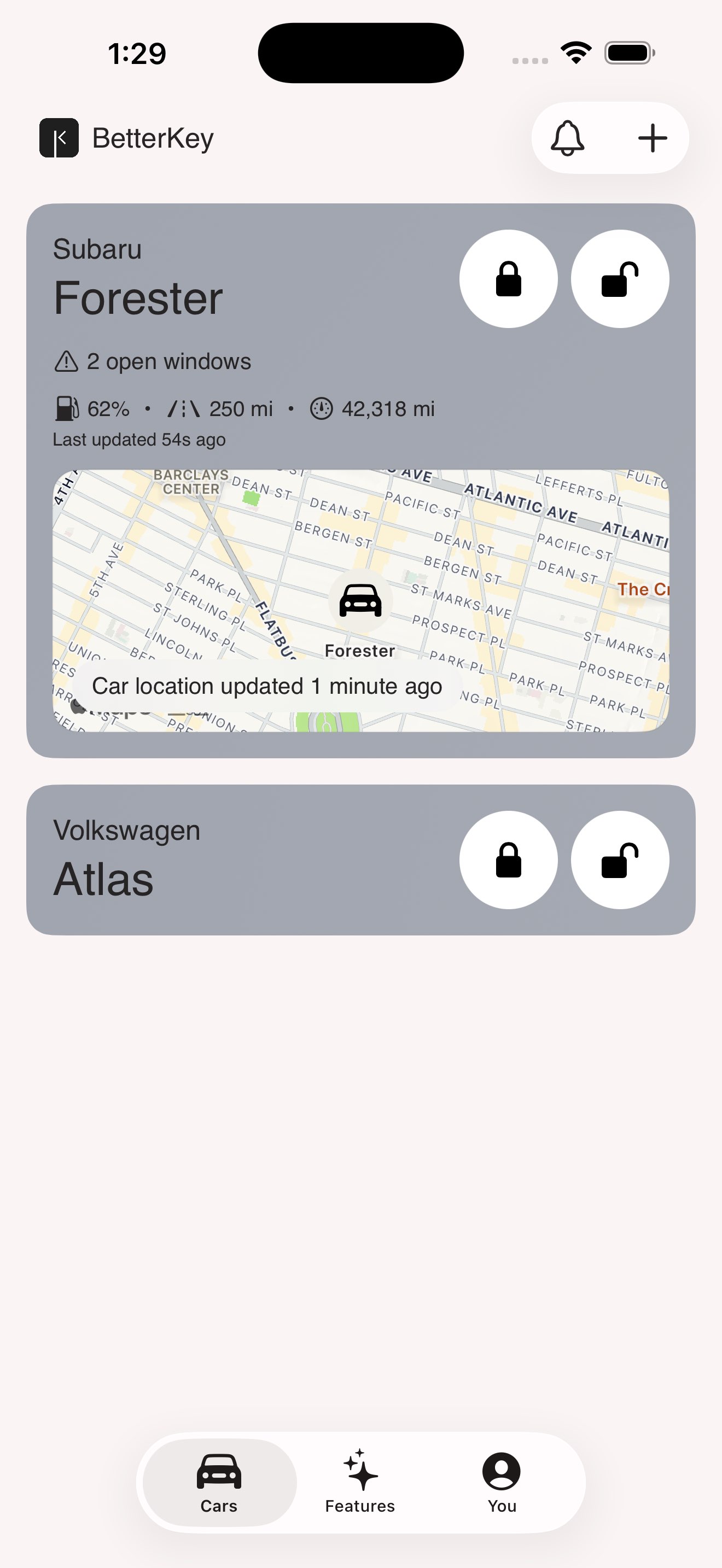
See your car's location
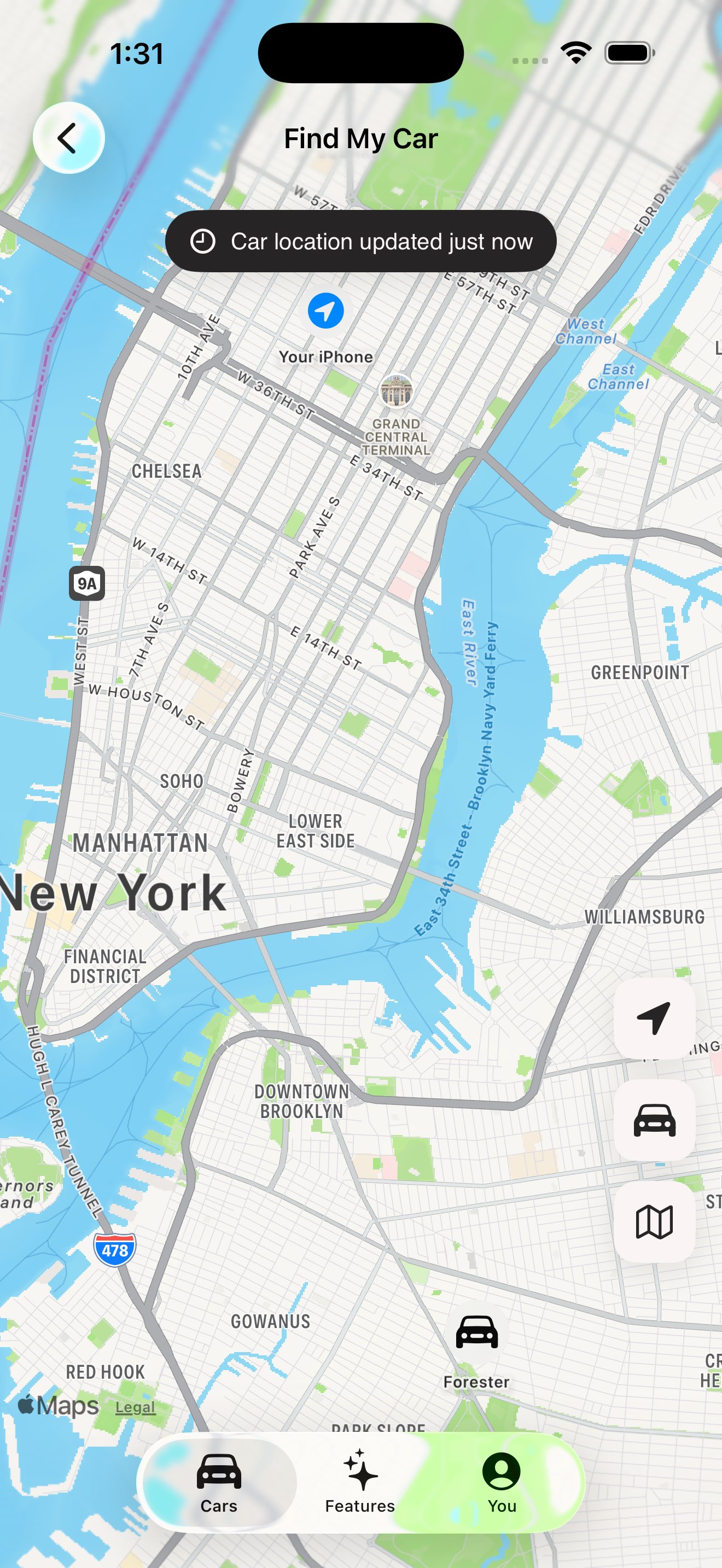
The map shows your car at its last reported location.
BetterKey first shows a confirmed Park Location, then a last-known vehicle location saved on this device. If neither is available, opening Find My Car requests an initial location and caches a successful result. If that request fails, it shows No Location Available with a Refresh Location action.
If you share your location, you’ll see where you are on the same map.
A pill near the top says Parked … for a confirmed spot, Car location updated … for a readable vehicle timestamp, or Last known location when the saved timestamp cannot be read.
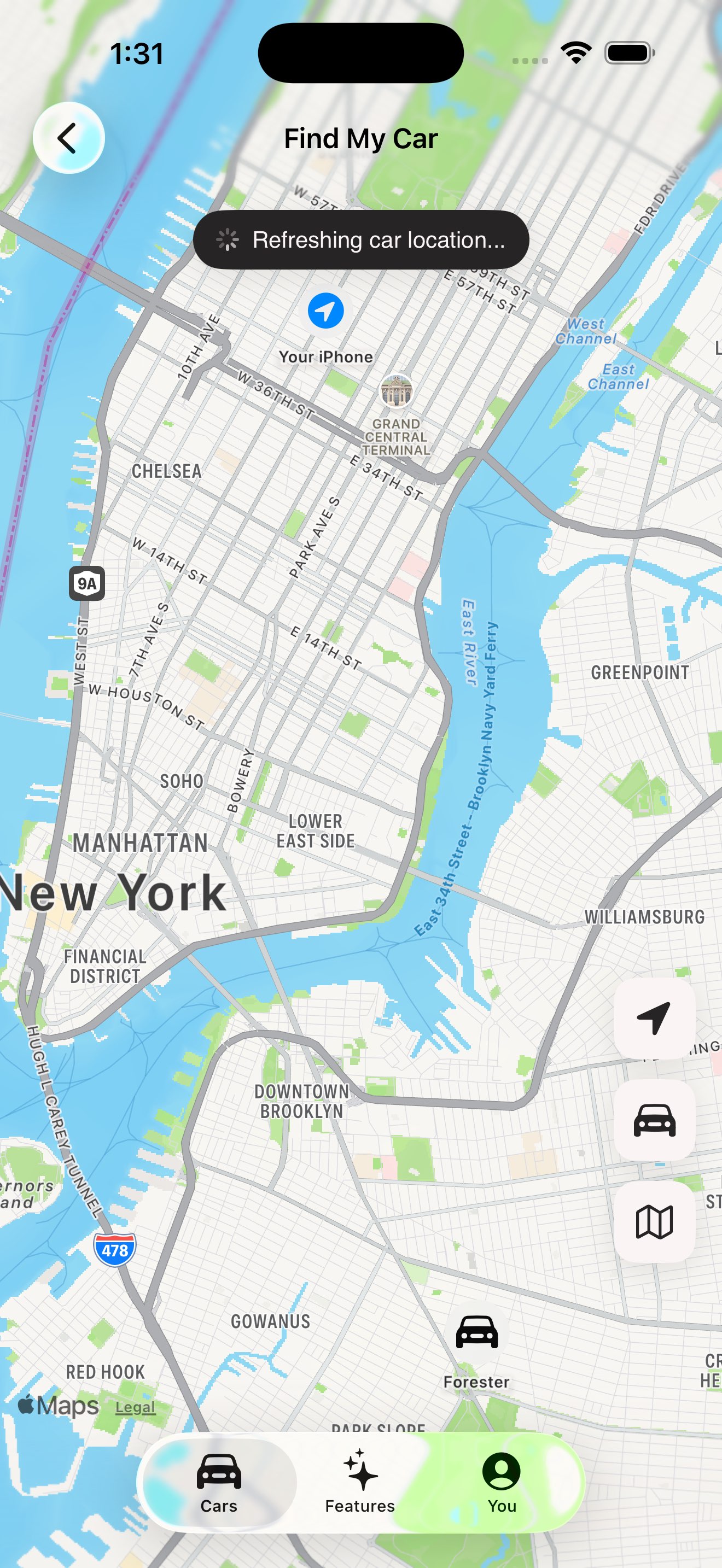
Refresh if the location looks stale
If the timestamp is older than you’d like, tap Refresh. BetterKey clears its freshness cache, asks the connected service for its latest available location, and updates the pin. Apart from the one-time fetch when no saved location exists, Refresh is the foreground action that forces a new request.
If the car can’t be reached, BetterKey keeps the previous timestamp visible instead of pretending the pin was updated.
Get directions or call a ride
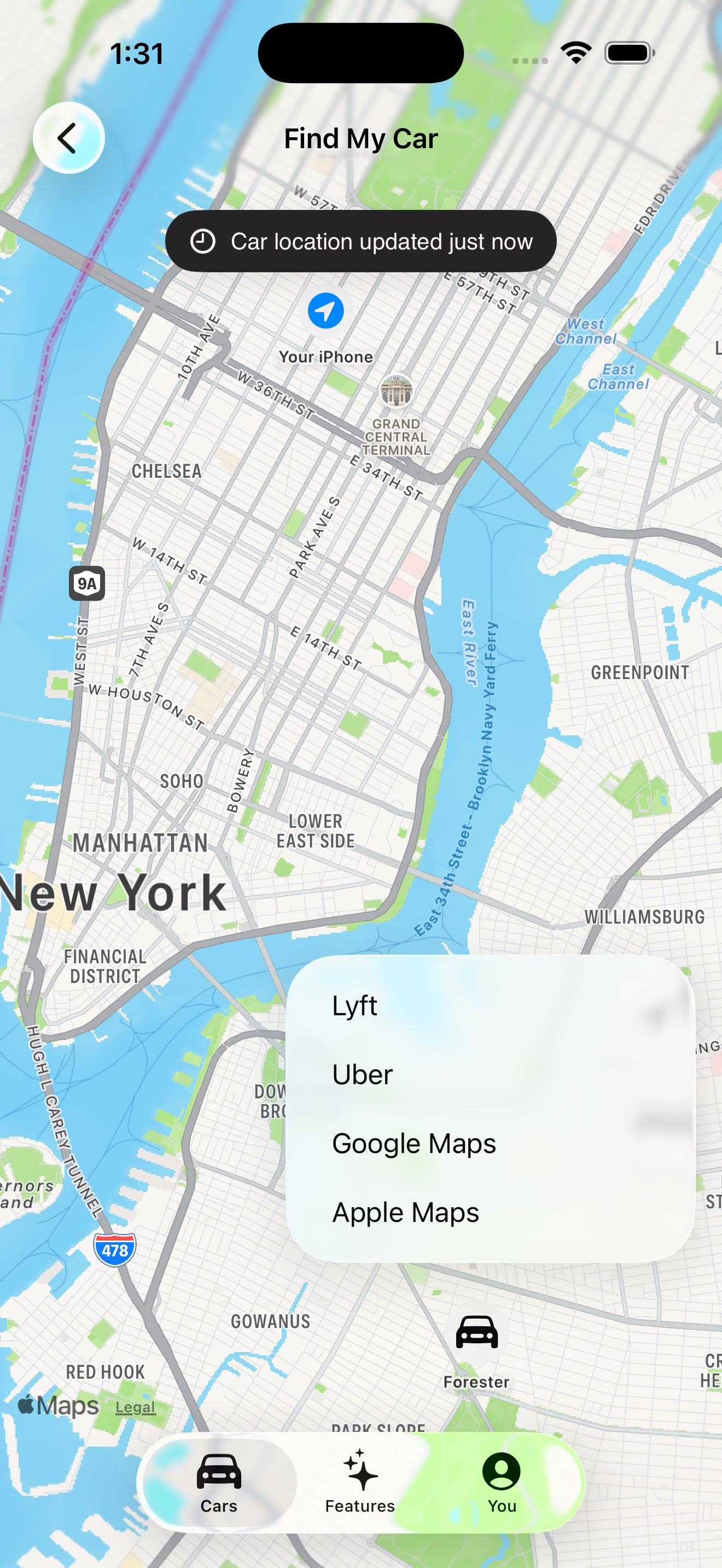
Tap Directions to choose the app you want to use.
- Apple Maps or Google Maps for walking directions
- Uber or Lyft to call a ride, with the car’s location already filled in as your dropoff
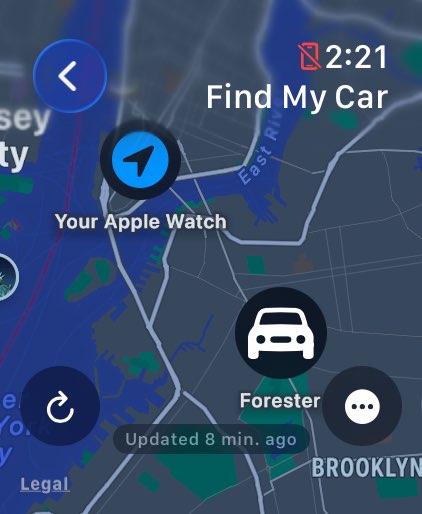
On Apple Watch
Open BetterKey on your Apple Watch and tap your vehicle, then tap Find My Car.
The watch shows the same map with the car and the last-checked timestamp. If location access is available, it can show your location too. Tap directions and Apple Maps takes over.
FAQ
How does Find My Car know where my car is?
Find My Car uses two location sources: your vehicle’s last reported location and, if you allow it, your device’s current location.
The car pin comes from your vehicle’s connected services. The timestamp shows when the vehicle last reported that location. Your location is only used to show where you are on the same map while Find My Car is open.
You do not need to share your device’s location to see your car’s reported location. Sharing it only adds your position to the map while Find My Car is open.
What if Find My Car says my car's location isn't available?
Tap Refresh Location to request the connected service’s latest available location. Some vehicles may not return a fresh location when they are asleep, have not been driven recently, or are parked somewhere with poor cellular coverage.
Try again later, after starting or driving the car, or when the car is somewhere with better signal.