Set Up Apple Watch Complications
Put BetterKey Window Status or Last Activity on a compatible watch face and fix missing complications or vehicles.
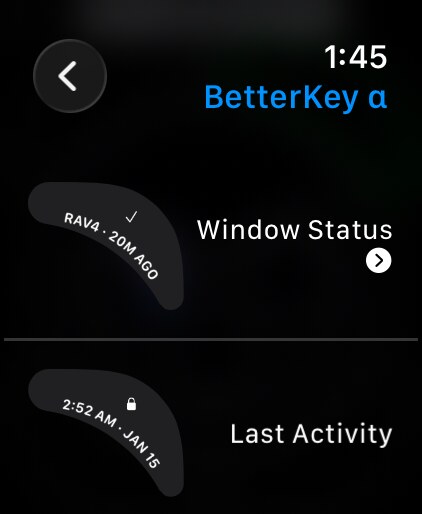
BetterKey provides Window Status and Last Activity for four Apple Watch complication families. The exact slot depends on the watch face you choose.
Before you start, make sure:
- Your Apple Watch is running watchOS 11 or later and is paired with the iPhone that has BetterKey
- The BetterKey watch app is installed and has been opened at least once
- You are signed in to BetterKey and the vehicle you want appears in the watch app
Apple Watch walkthrough
Open the watch face editor
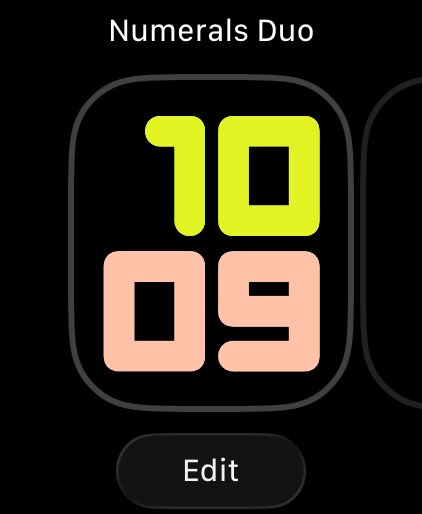
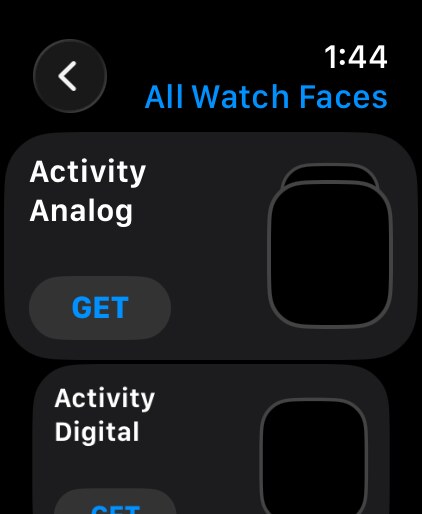
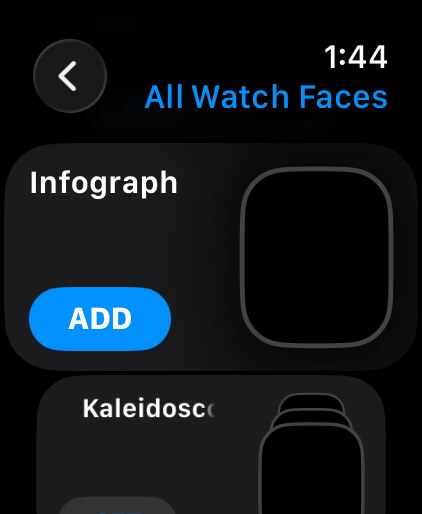
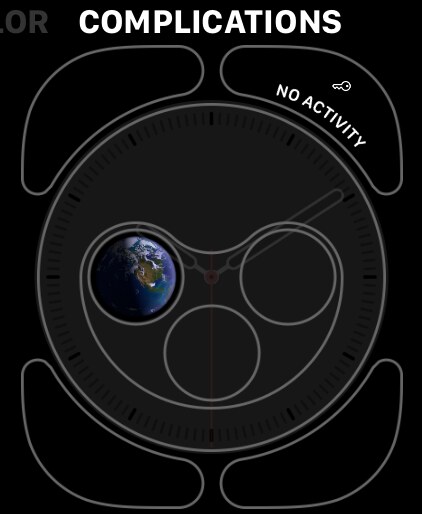
Add a face with complication slots
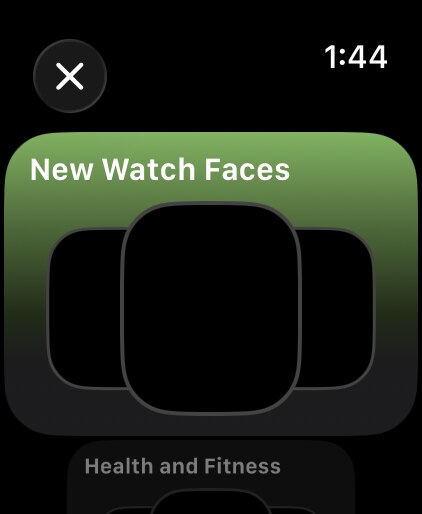
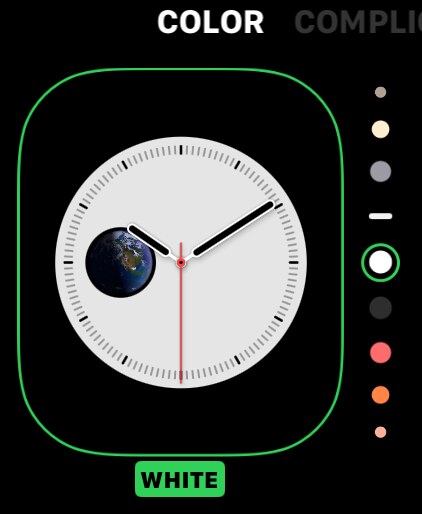
Choose a complication slot
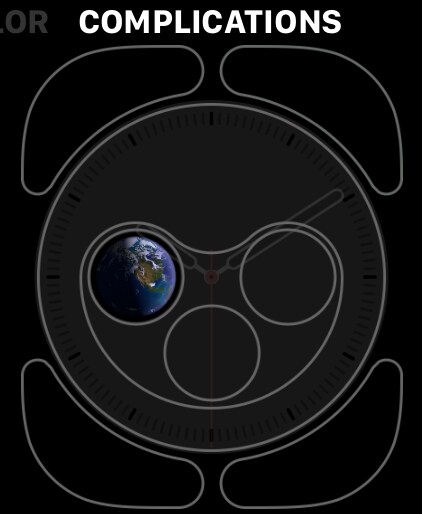
Add a BetterKey complication
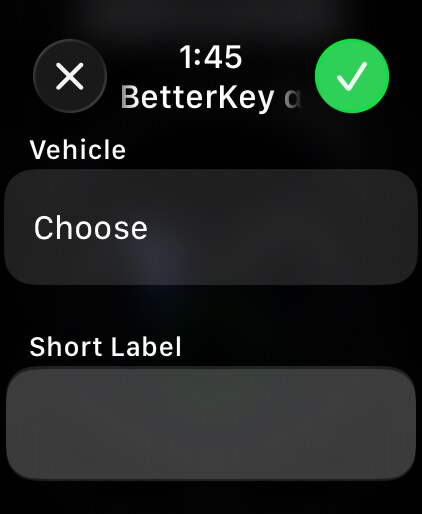
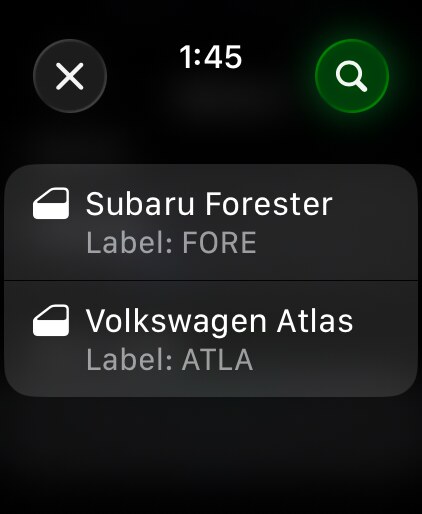
Configure Complication
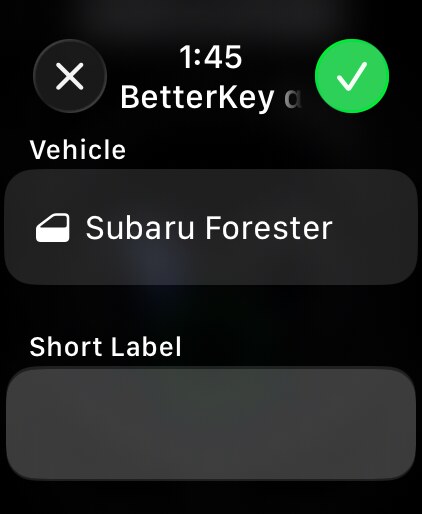
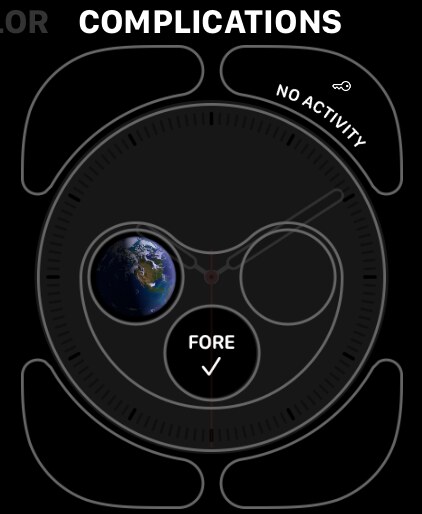
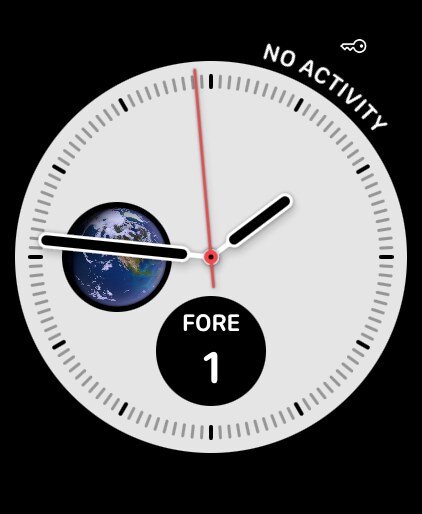
Configure from the Watch app on iPhone#
You can also open the Watch app on iPhone, select a face under My Faces, choose one of its complication positions, and select BetterKey. Use this route when the larger iPhone picker makes vehicle selection easier.
To change the vehicle later, return to the face editor, tap the Window Status complication, and choose a different vehicle. Add another Window Status instance when you want to keep a second vehicle visible.
What happens when you tap#
- Window Status opens BetterKey on Apple Watch. BetterKey updates the face periodically and shows the latest window reading it has.
- Last Activity opens the Activity screen on the watch. Its face reads the seven-day Activity history stored and synchronized between your BetterKey devices; the complication itself does not contact the vehicle.
For every display state, freshness rule, and limitation, see Apple Watch complications in the BetterKey Owner’s Manual.
FAQ
Why is BetterKey missing from the complication picker?
Confirm that the BetterKey watch app is installed, then open BetterKey on both iPhone and Apple Watch once. Use a face and slot that supports one of BetterKey’s rectangular, circular, inline, or corner layouts.
If BetterKey is still missing, restart both devices. You can then remove and reinstall only the BetterKey watch app from the Watch app on iPhone without disconnecting your vehicle account. If it still does not appear, contact us.
Why is Window Status missing my vehicle?
Window Status lists the connected vehicles that BetterKey supports for window readings. Open BetterKey and confirm that the vehicle appears, then complete any reconnect message.
If the vehicle is listed as supported on the compatibility page but remains missing from the picker, contact us.
Why does the complication show NA, Unavailable, or an old reading?
NA or Unavailable means BetterKey could not retrieve a usable window reading. Open BetterKey on iPhone, refresh the vehicle, and complete any reconnect message. Then return to the watch face.
BetterKey marks readings older than 24 hours as stale and shows their age instead of presenting them as current. If a fresh reading appears in BetterKey but the complication does not update, remove and add the complication again. Contact us if it remains out of date.