Arrive at Location
Park, walk inside, stop thinking about it.
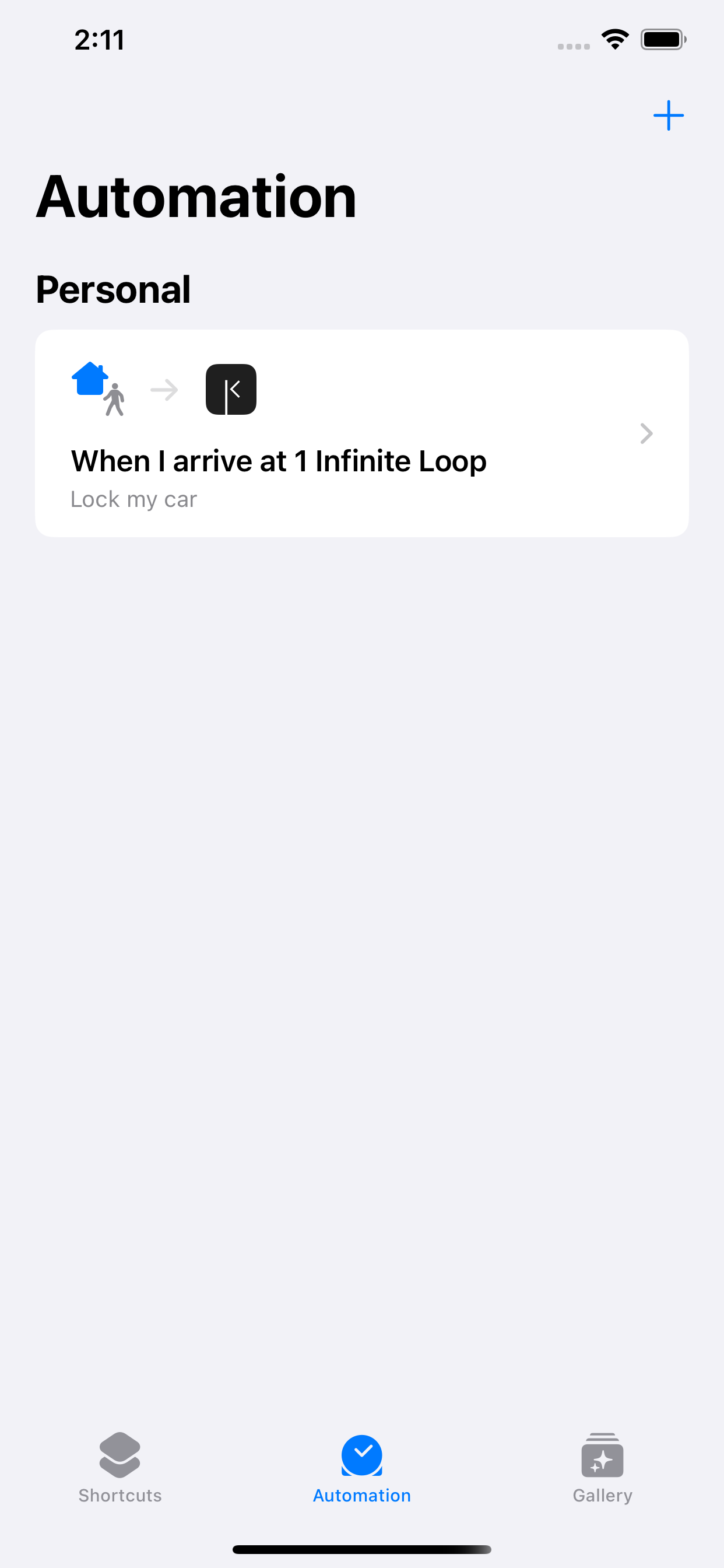
Open the Shortcuts app and go to the Automation tab.
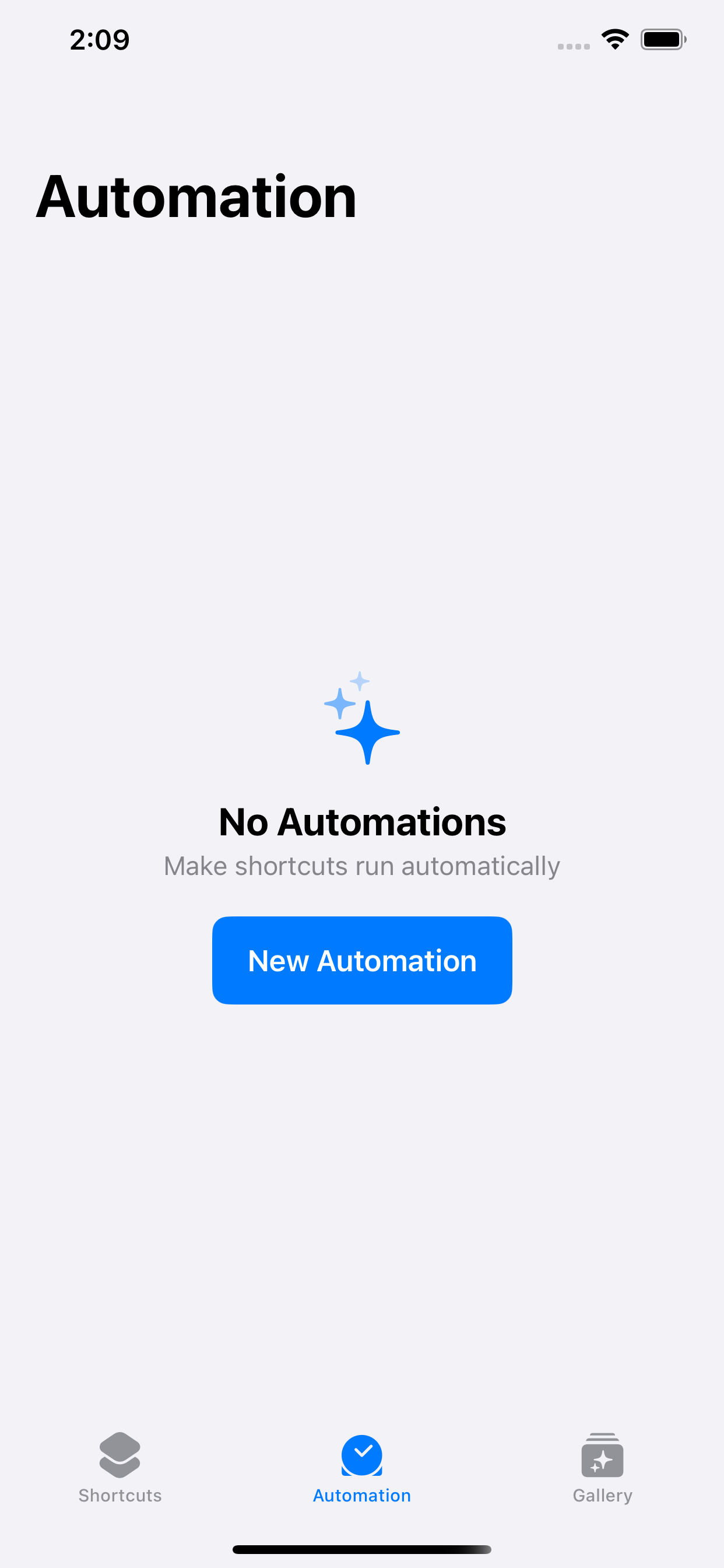
Tap + or New Automation to create a new personal automation.
Choose Arrive as the trigger.
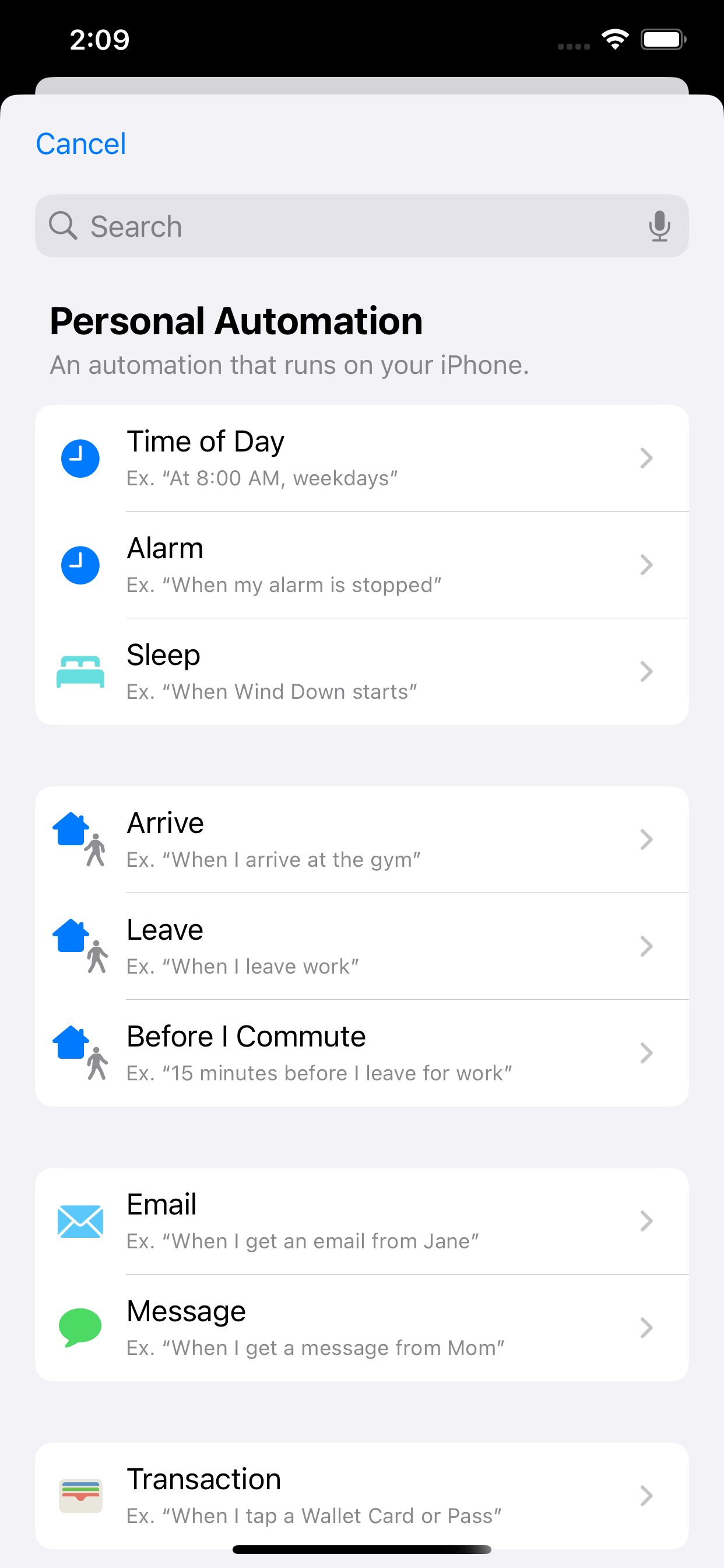
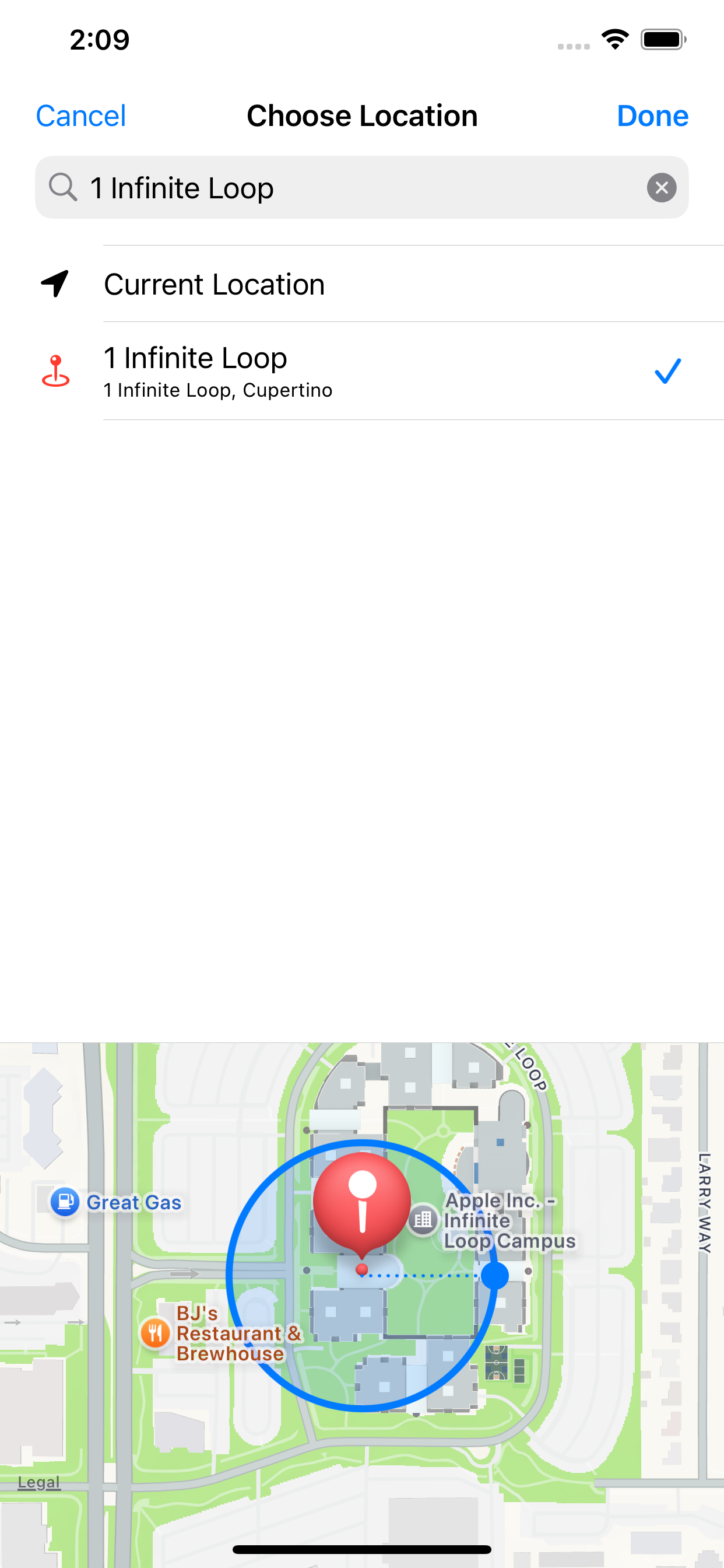
Choose the location where you want this to run, then select it.
Adjust the location radius if needed, then tap Next.
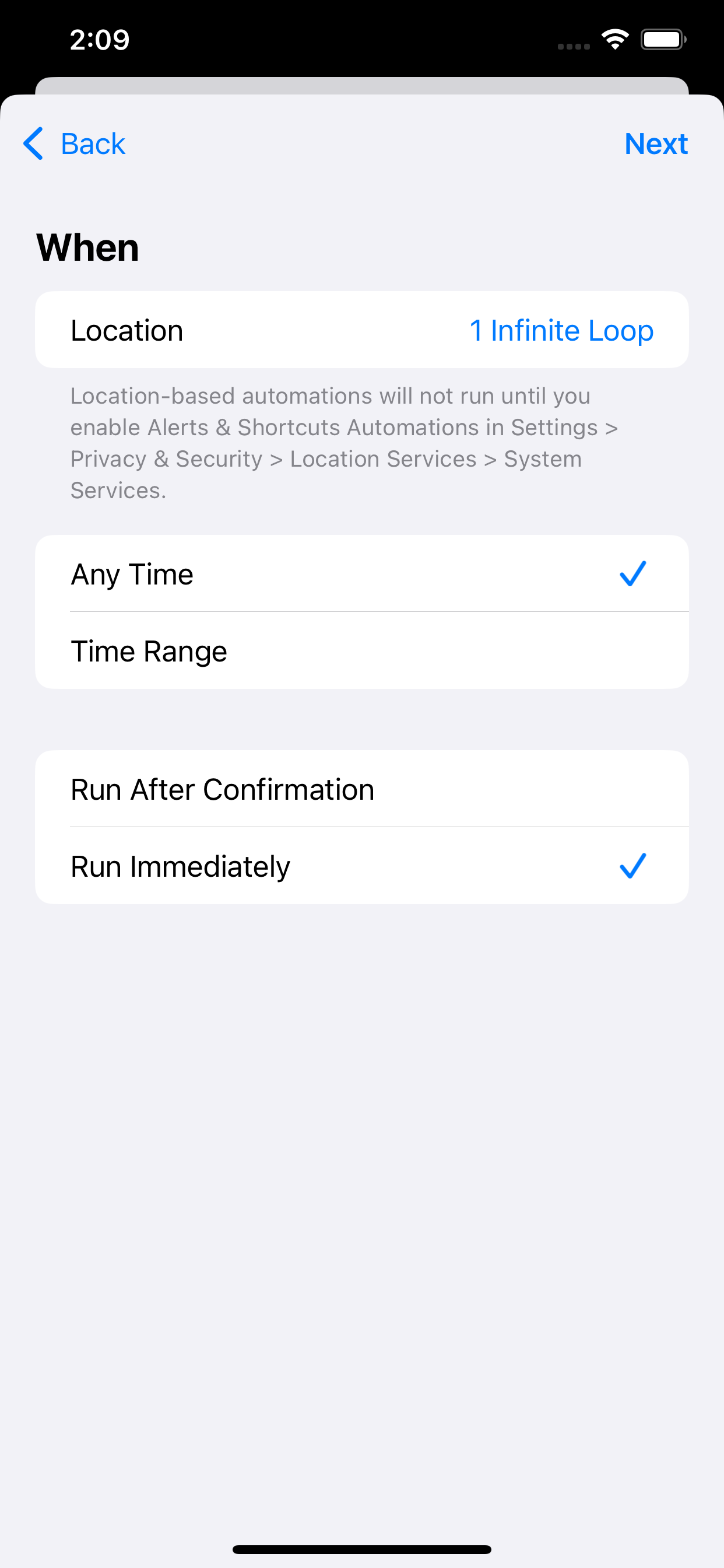
Turn on Run Immediately so it runs without asking, then tap Next.
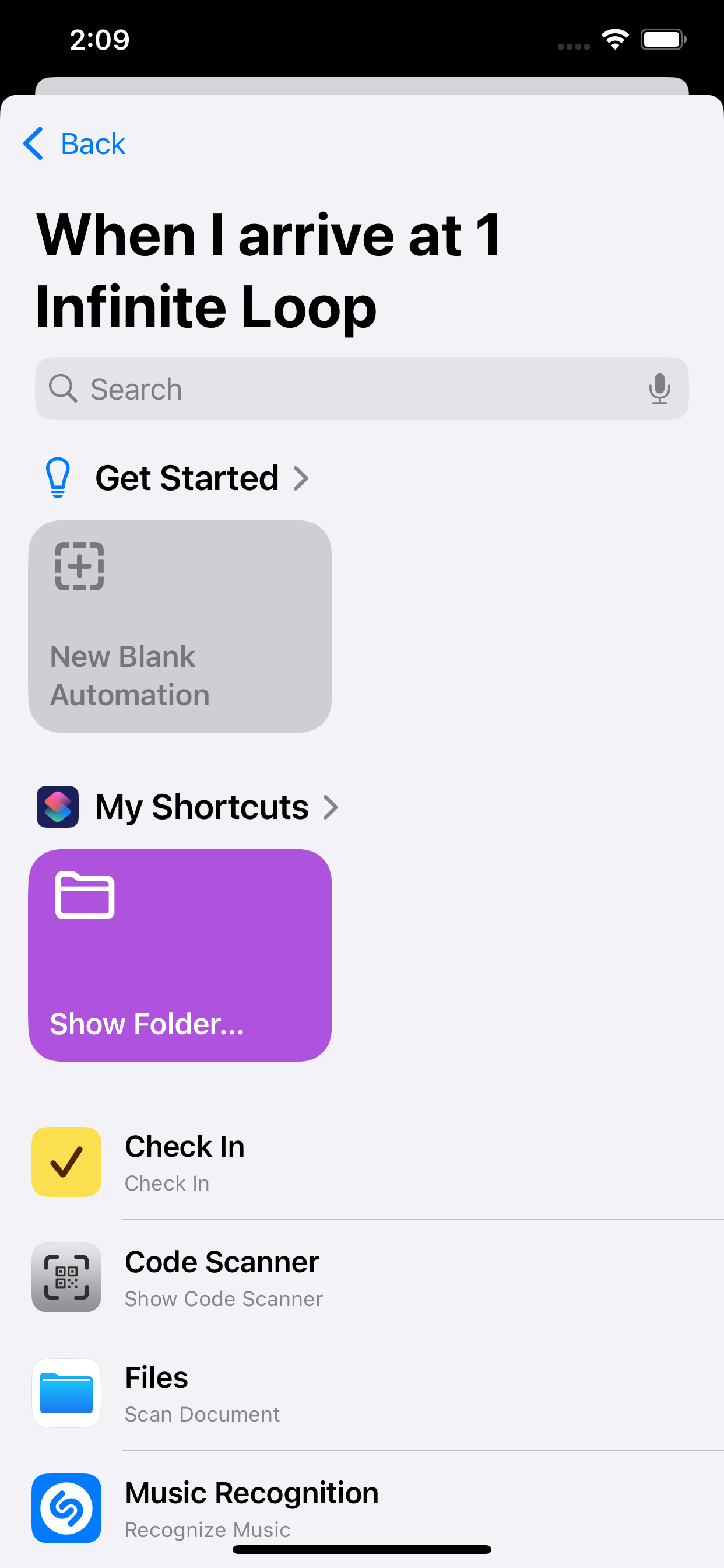
Under Getting Started, tap New Blank Automation.
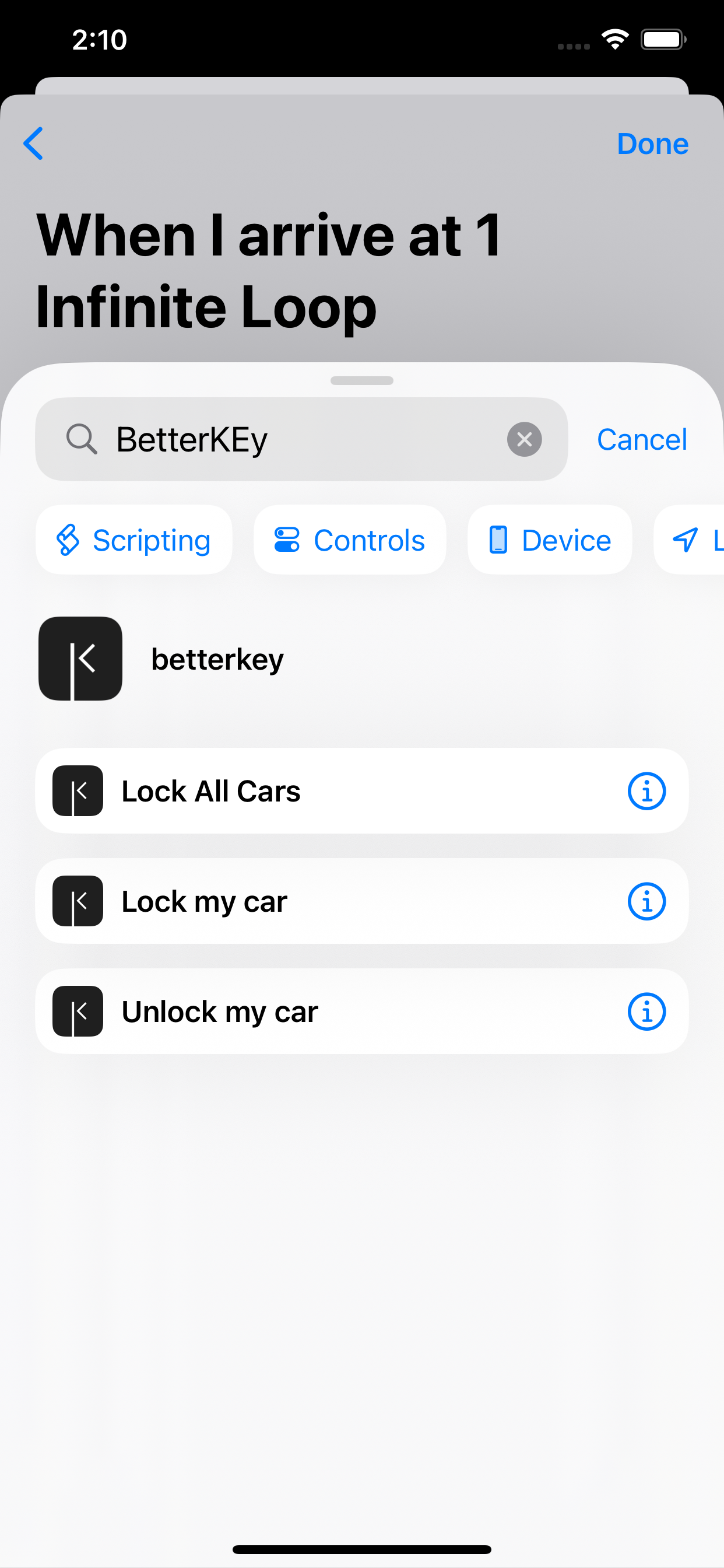
Add another action, search for BetterKey, then choose Lock my car.
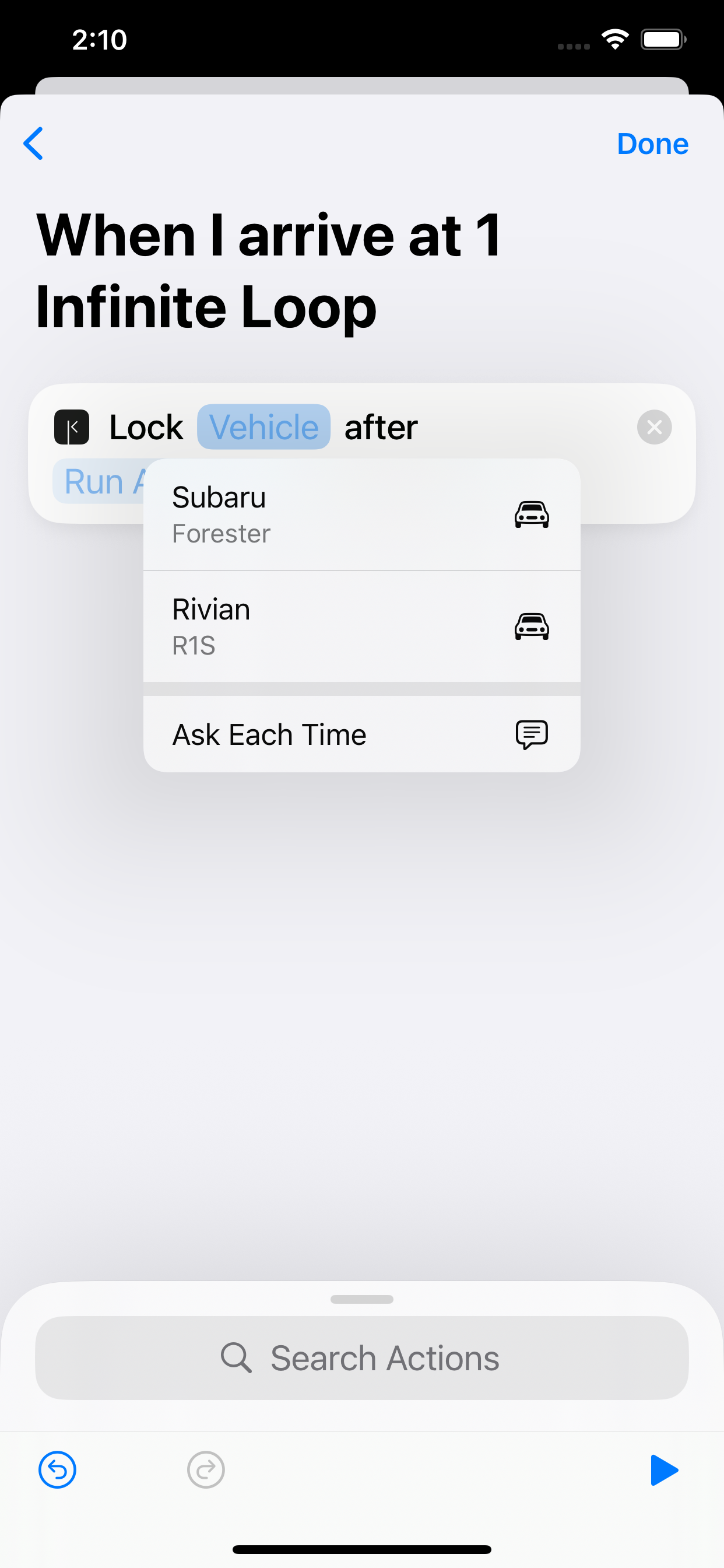
Tap Vehicle, then choose which car to lock.
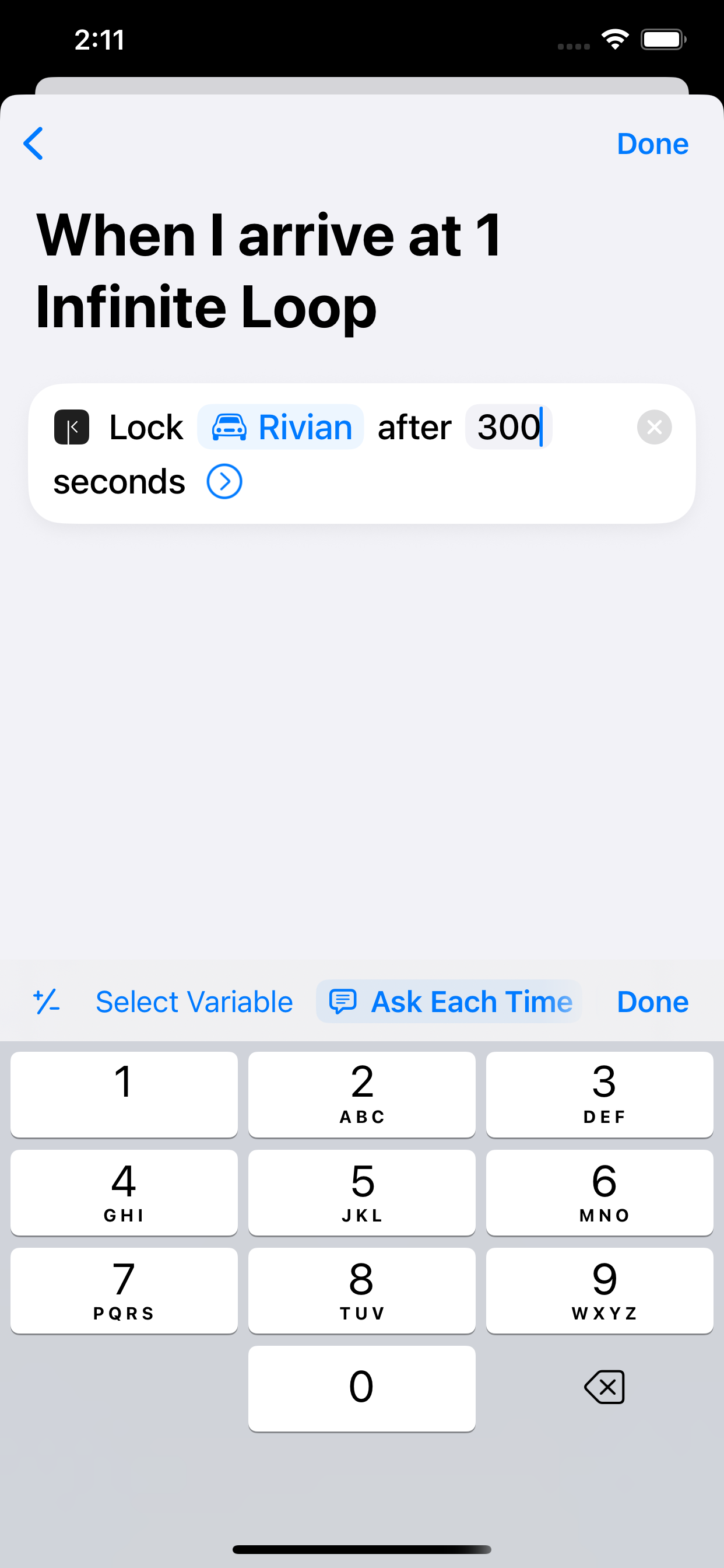
Set how long to wait (for example, 5 minutes) so your car locks shortly after you arrive.
Tap Done.
When you arrive at this location, your car will lock after the delay you set.
FAQ
Why doesn’t BetterKey include these automations?
Automations are personal and must be created on the device where they run.
Because of this, BetterKey can’t install them for you — but we guide you through setting them up in just a few steps.
How will I know the automation worked?
BetterKey will notify you when your car is locked or unlocked.
Make sure notifications are enabled in Settings › Features › Notifications to stay updated.