Nightly Lock
Never lie in bed wondering if you locked it.
Choose your setup
- Lock all cars (fastest)
- Lock one car (customized)
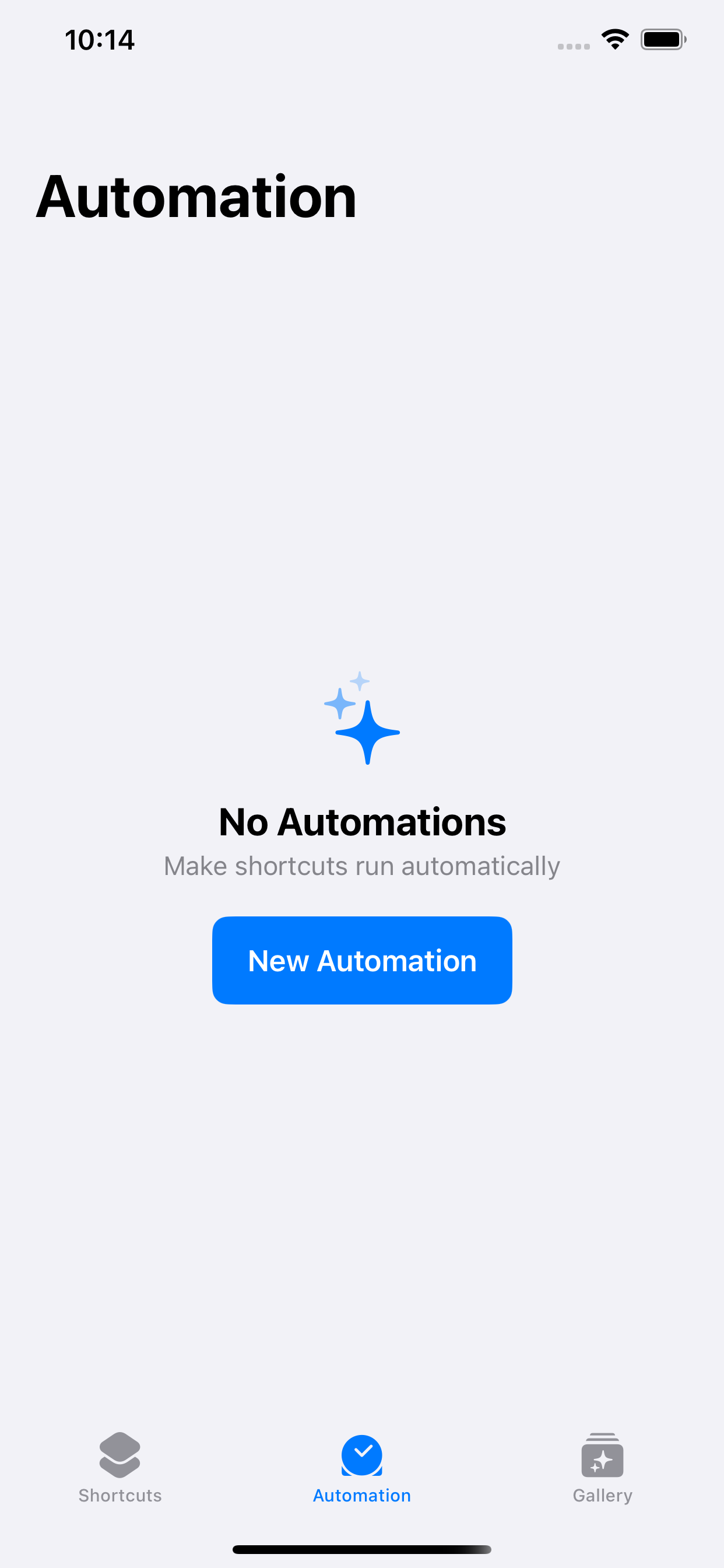
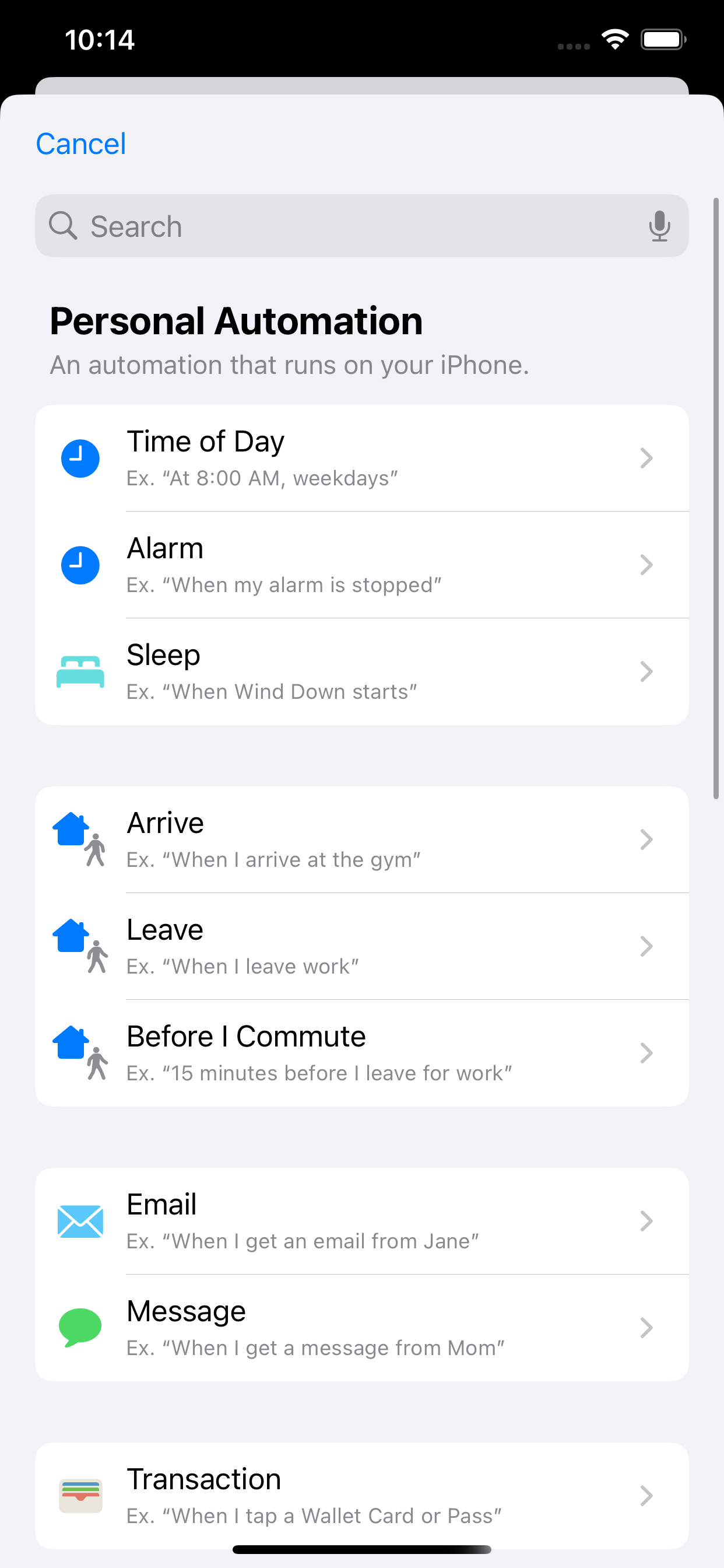
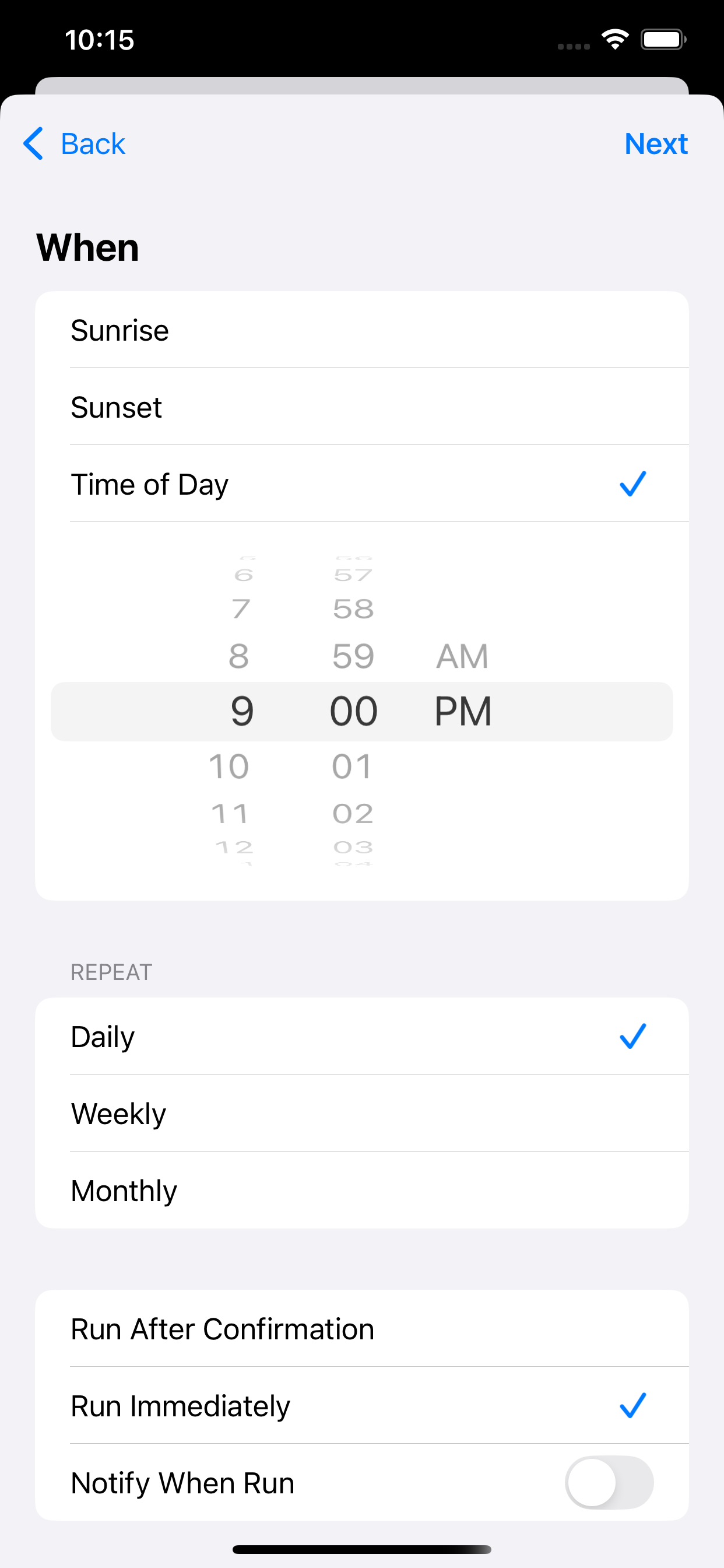
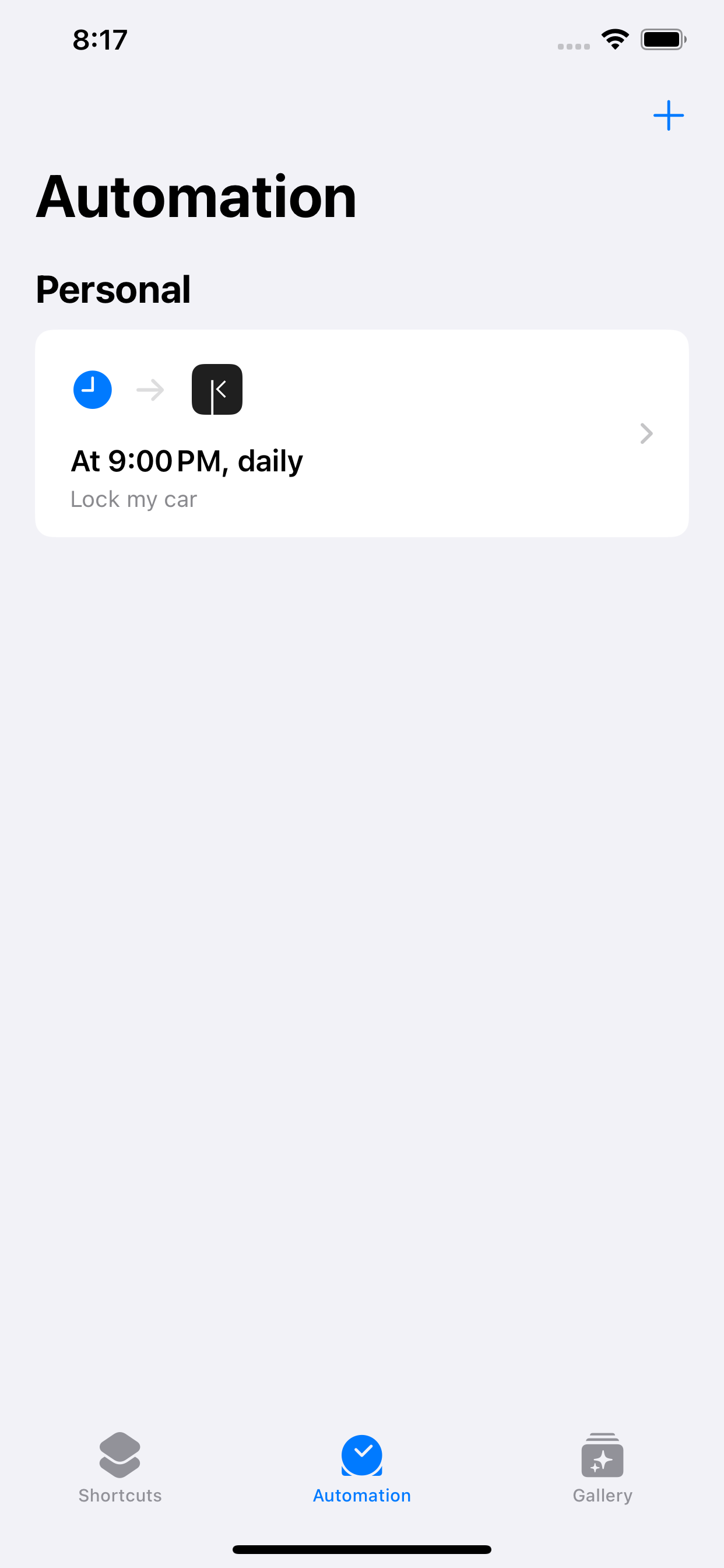
Set the time you’d like your car to lock each night (this example uses 9 PM).
Choose Repeat Daily.
Turn on Run Immediately so your car locks automatically without asking.
Tap Next.
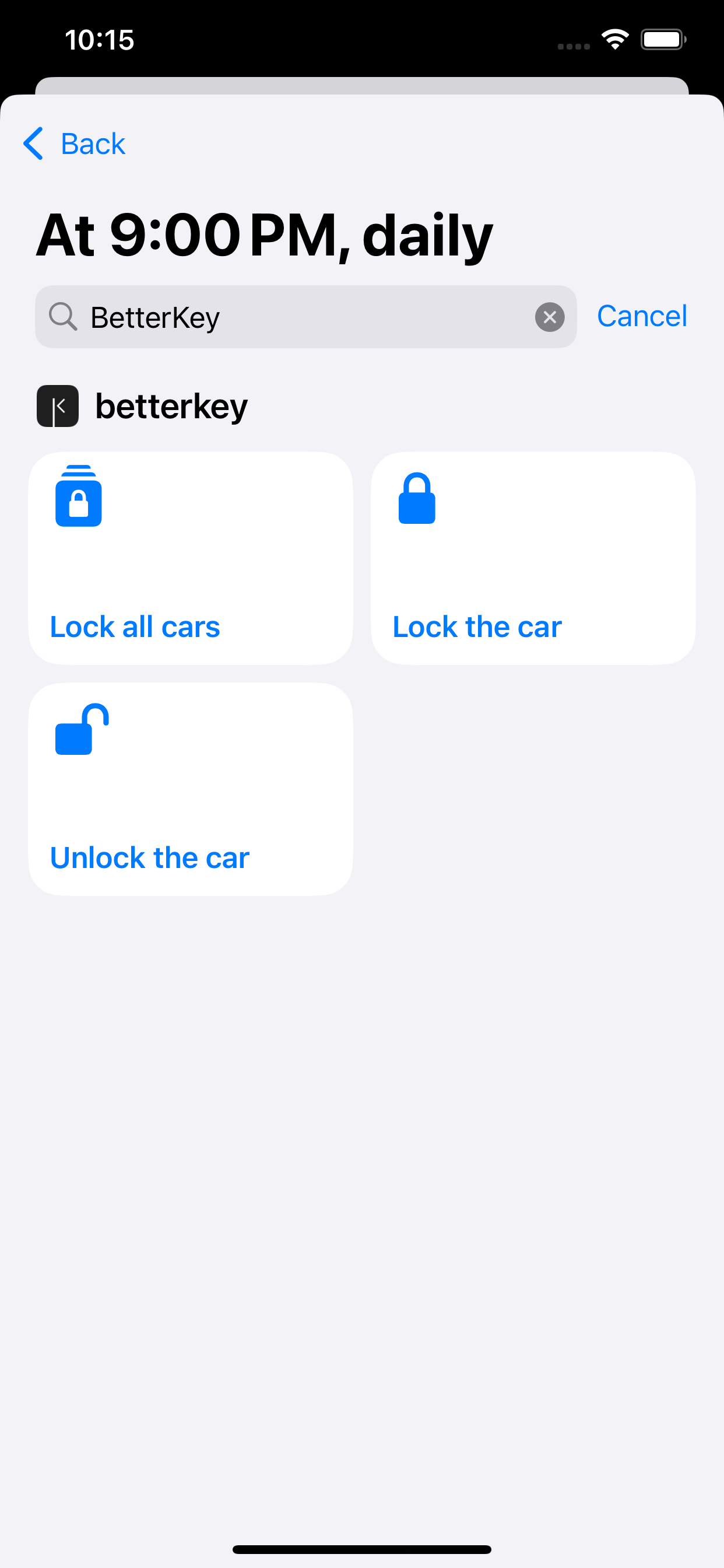
You’re all set.
Your cars will now lock automatically each night.
To make changes later, just edit this automation.
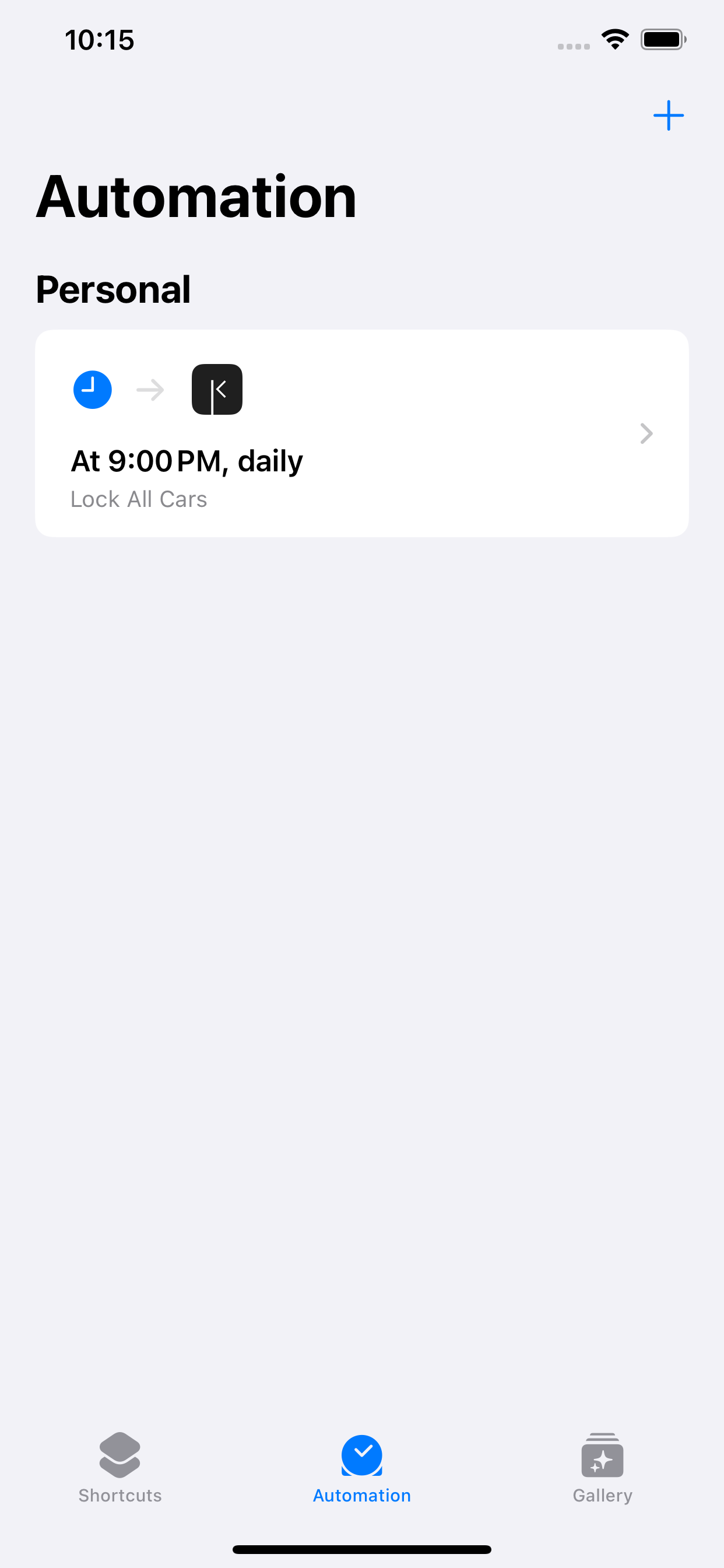
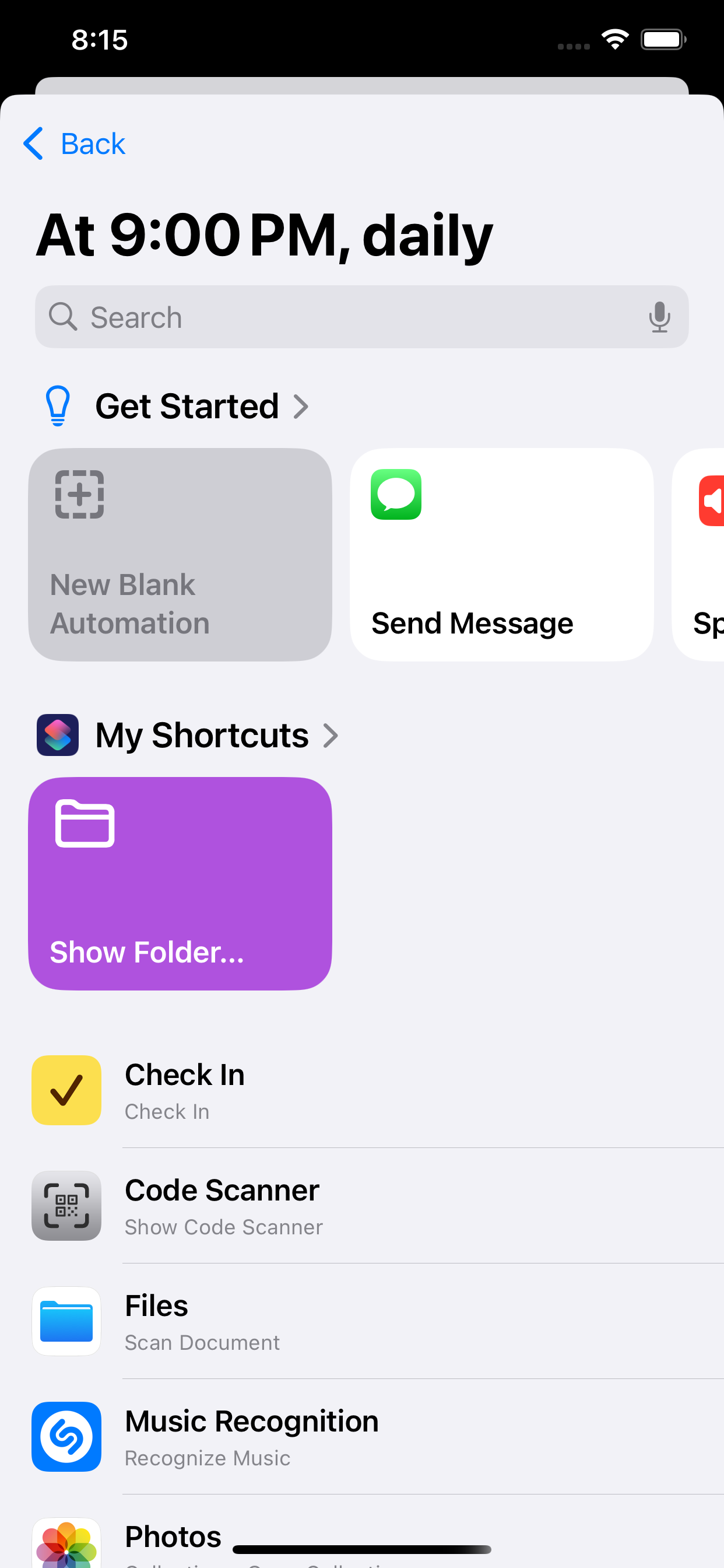
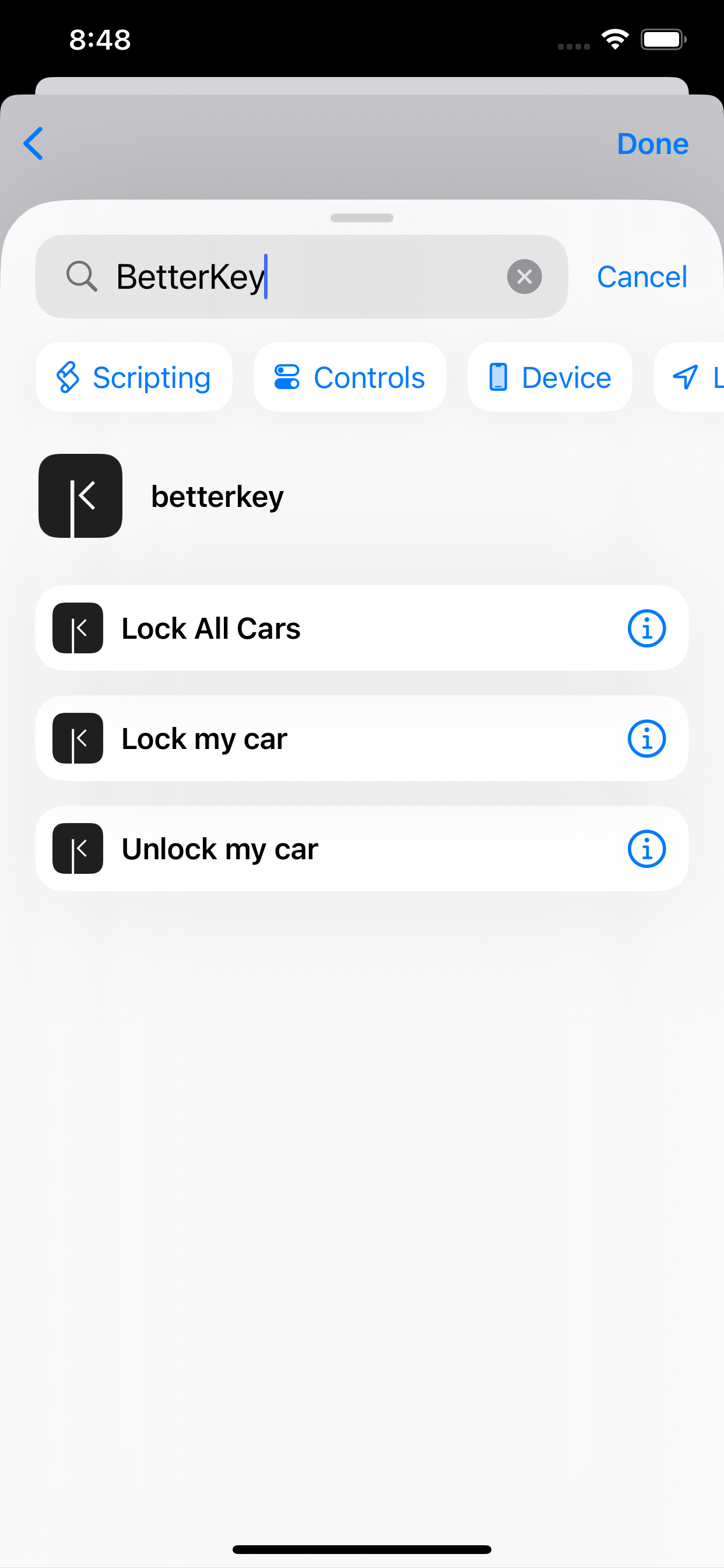
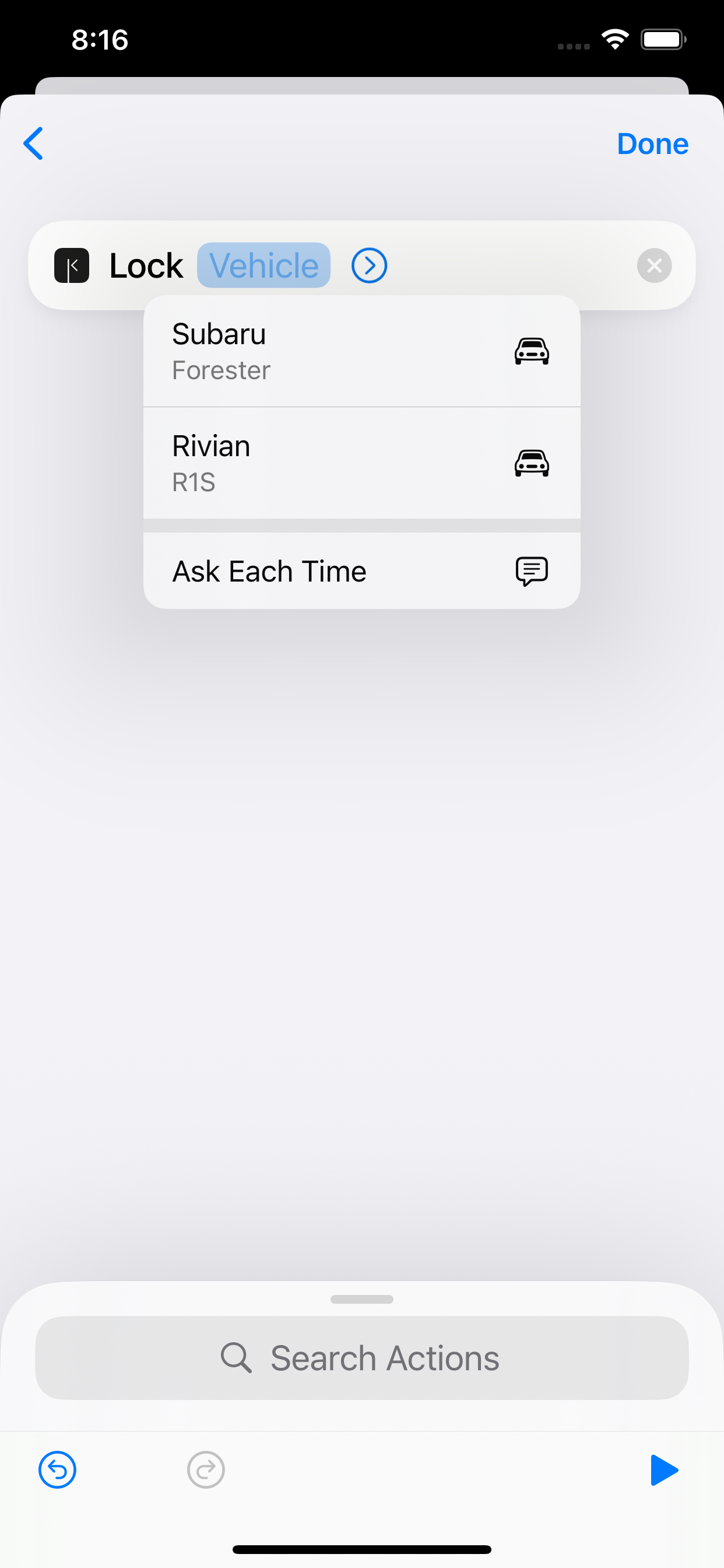
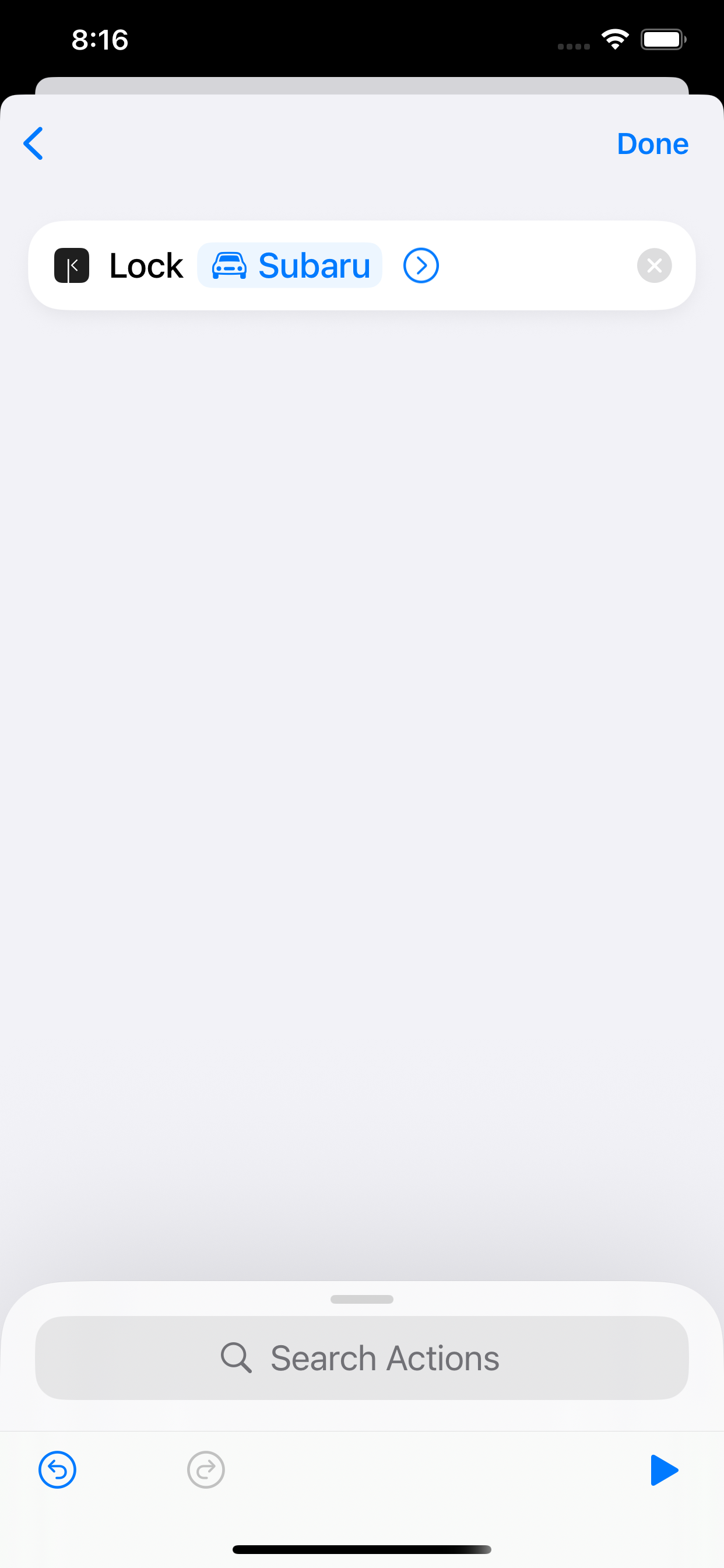
You’re all set.
Your car will now lock automatically each night.
You can edit this anytime if your schedule changes.
FAQ
Why doesn’t BetterKey include these automations?
Automations are personal and must be created on the device where they run.
Because of this, BetterKey can’t install them for you — but we guide you through setting them up in just a few steps.
How will I know the automation worked?
BetterKey will notify you when your car is locked or unlocked.
Make sure notifications are enabled in Settings › Features › Notifications to stay updated.