BetterKey
BetterKey app icon

Park Location

You park.
BetterKey remembers.

A crowded lot.
A downtown garage.
A side street you only found once.

When you need to get back, your Park Location is already on the map.
Here's how it works →

Try BetterKey free for 1 week.

Download on the App Store

Turn it on when you want it

Park Location stays off until you switch it on. Flip the toggle in Settings and BetterKey asks for Motion access and Always location access. With both granted, BetterKey can notice when you’ve parked, even when the app isn’t open.

A few things worth knowing

  • Turn it off anytime. BetterKey stops updating your Park Location until you turn it back on.
  • Your Park Location stays on your device.
  • BetterKey only updates your Park Location when it’s confident. No guessing.
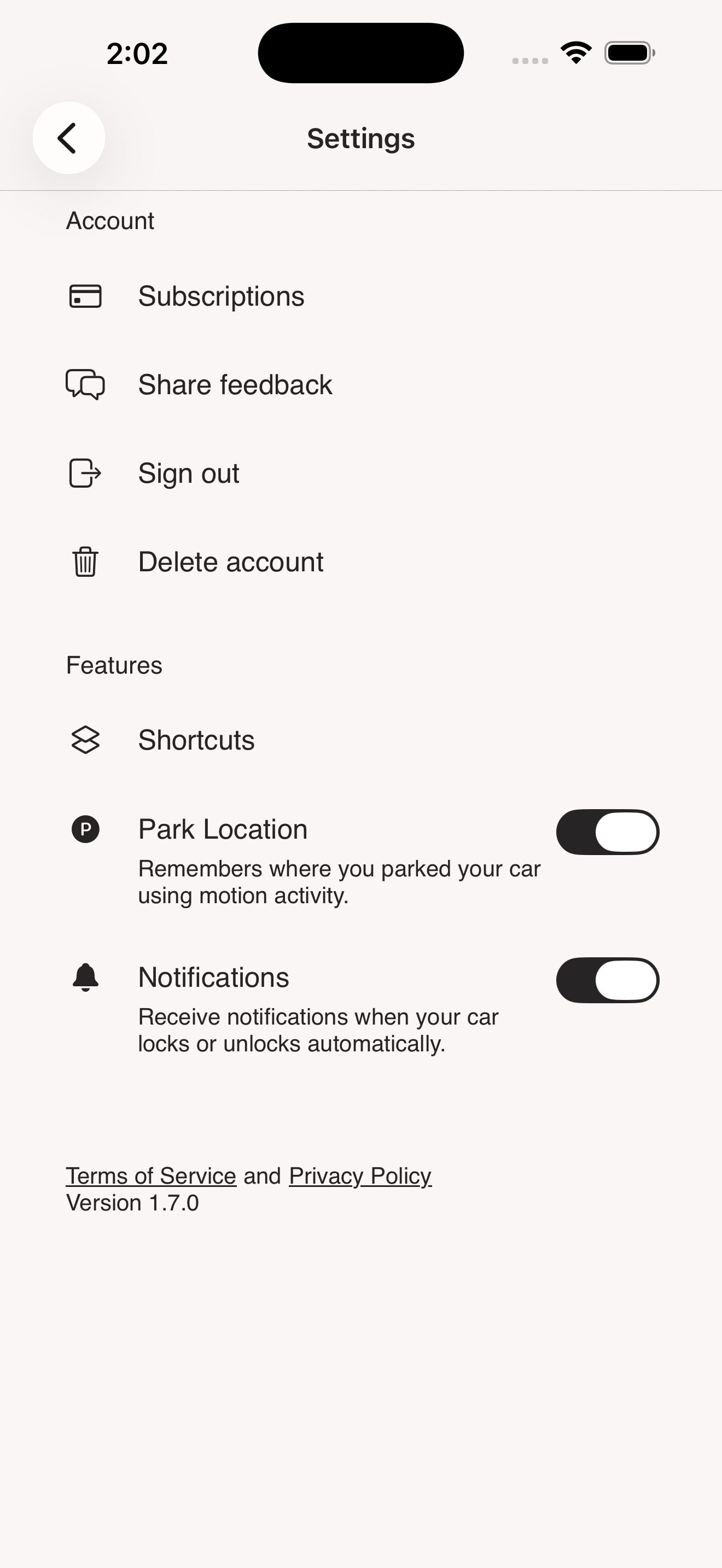
BetterKey settings showing the Park Location toggle
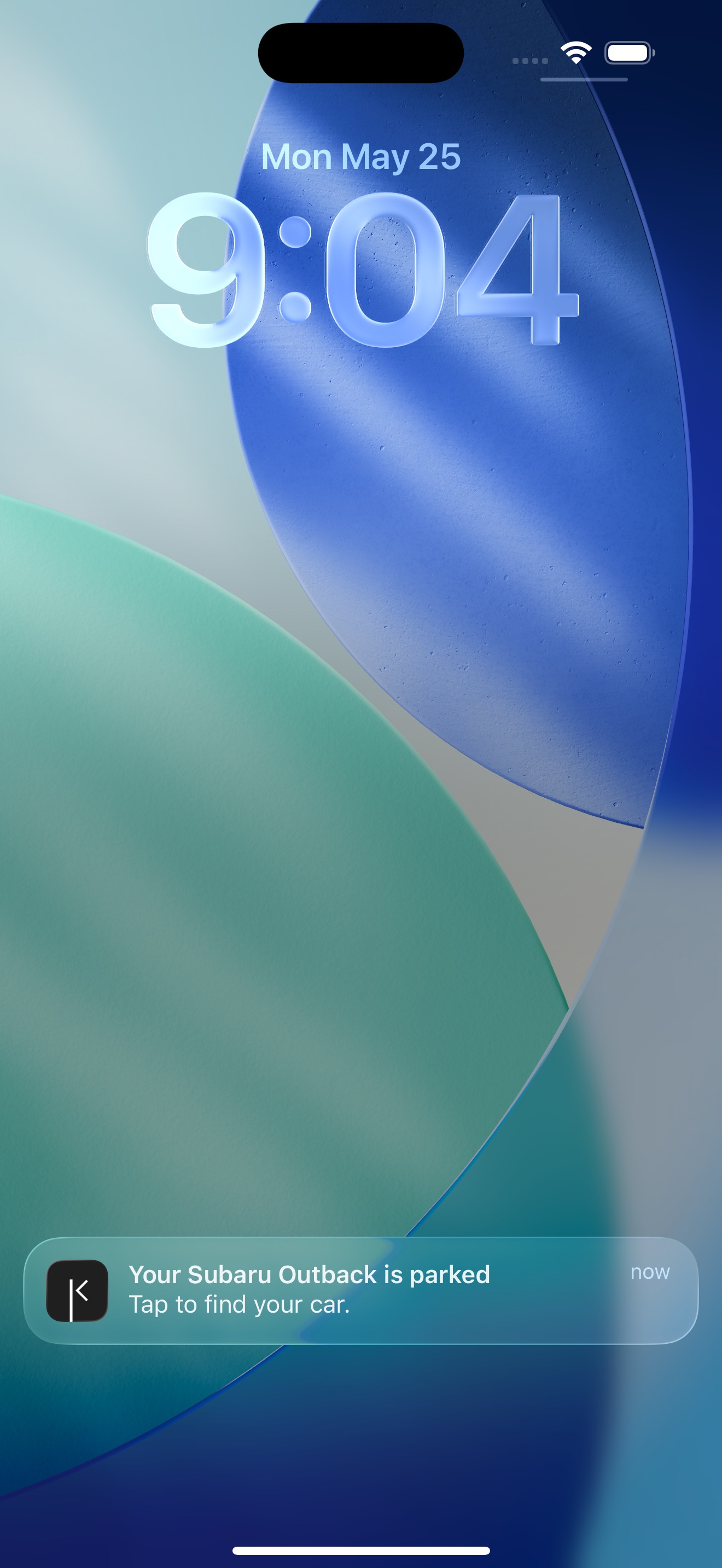
BetterKey lock screen showing a Park Location notification

A heads-up when it's saved

BetterKey lets you know the moment it saves your parking spot, so getting back to your car is one less thing to think about.

A few easy ways to get back to it

  • A notification helps you find your car quickly.
  • See your Park Location on a map, get directions in Apple Maps or Google Maps, or catch a ride back with Uber or Lyft.
  • Just ask Siri, “Where did I park?”

FAQs

What is Park Location? +

Park Location automatically remembers where you parked using your iPhone’s motion and location signals. When BetterKey detects that you’ve parked, it saves the location so you can quickly return to it later in Find My Car.

What does Park Location need to work? +

Park Location needs three things: Always location access, Motion & Fitness access, and a vehicle connected in BetterKey. BetterKey asks for both permissions the first time you flip the toggle. Always location access is what lets iOS wake BetterKey when you park, so it can save the spot without you opening the app.

If you deny Motion & Fitness access, the toggle stays disabled in Settings until you grant it. If you deny Always location access, BetterKey can’t save a spot.

Does this work with my car? +

Park Location links each saved location to one of your connected vehicles. When BetterKey detects that you’ve parked, it associates the location with the correct vehicle and saves it in Find My Car. If no connected vehicle is detected nearby, no location is saved.

Park Location works with any car connected in BetterKey, regardless of make or model.

Does BetterKey store where I park? +

No. Park Location runs on your device. Motion data stays on your device, and only your most recent parking location is saved locally.

We collect limited, anonymized usage data to improve reliability, but we do not store where you drive or park.

See our Privacy Policy for full details.

Try BetterKey free for 1 week.

Download on the App Store