BetterKey
BetterKey app icon

Security

Built to keep
your car access yours.

Your car deserves the same care as your front door.

No new password to remember.
No automaker login on our servers.
No quiet reuse of an old session after you reinstall.

Standard protections, applied carefully. Read the technical detail →

Security is layered. No single control does everything, so BetterKey uses several protections together.

Try BetterKey free for 1 week.

Download on the App Store

We never get your automaker password

Your manufacturer login stays between you and your automaker. To connect a vehicle, BetterKey sends you through Smartcar's consent screen. You pick your brand, sign in with the automaker, review the permissions, and approve.

BetterKey gets the authorization to send the commands you approved. Not your password.

  • You sign in with the automaker, not with us.
  • You see the exact permissions before you approve.
  • You can revoke the connection later from Smartcar or by removing the vehicle in BetterKey.
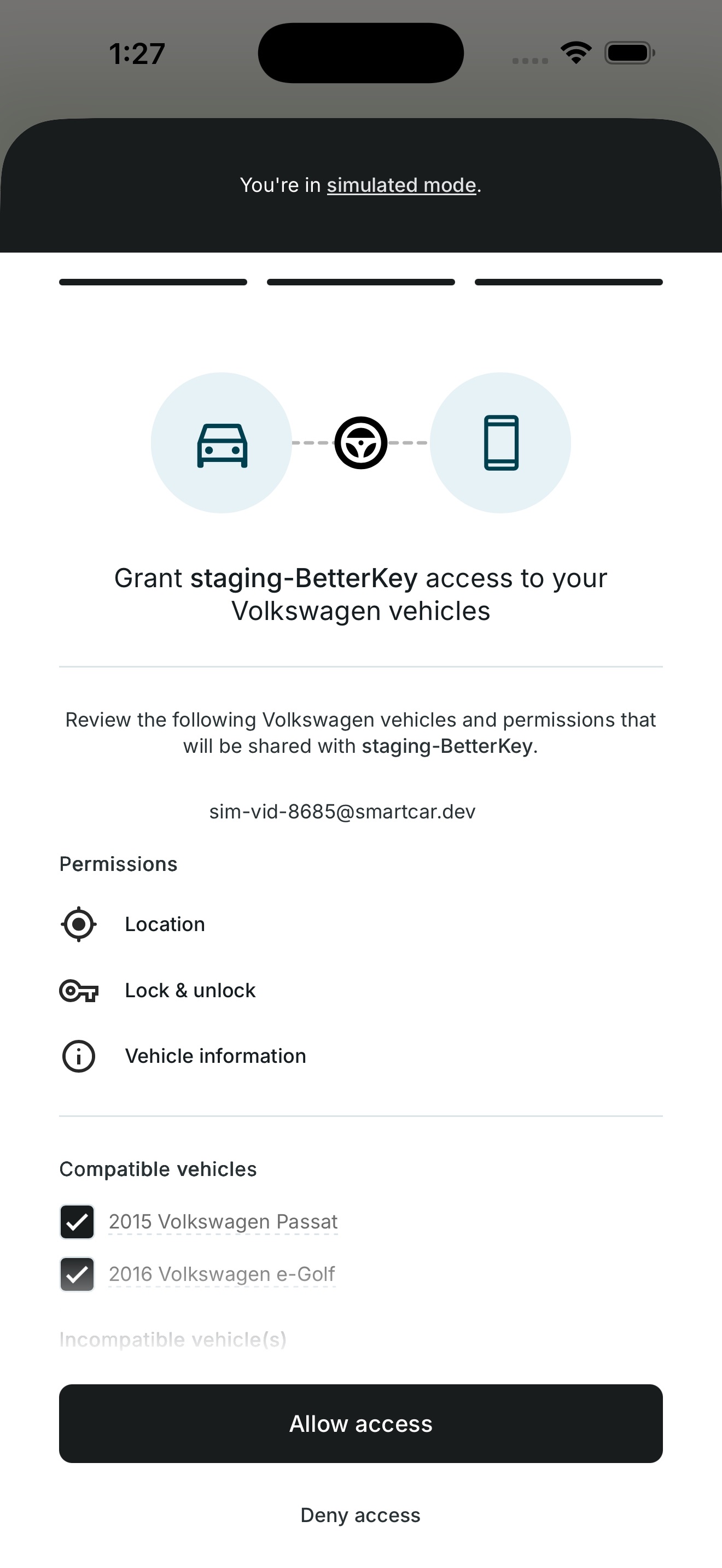
Smartcar's consent screen for connecting a vehicle

Your sign-in is protected by Apple

You sign in with Apple, so you do not create another password just for your car key app. We verify what Apple sends us before letting you in.

Your app session is stored in the iOS Keychain, the same protected store Apple uses for passwords and passkeys. Reinstalling the app does not quietly reuse an old session.

  • No new password to remember or leak.
  • Sessions are released only after your phone has been unlocked since boot.
  • Signing out, or reinstalling, clears the session before starting fresh.
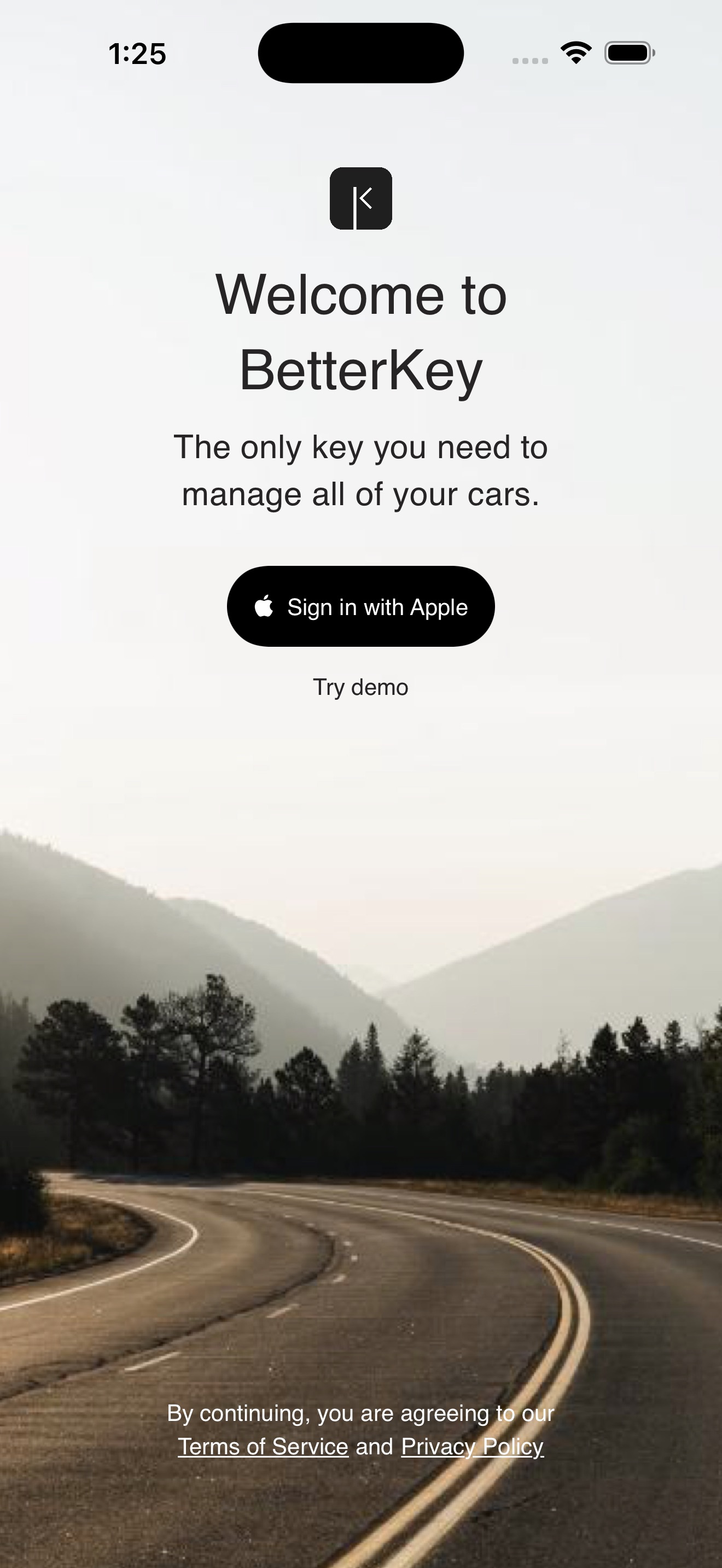
Sign in with Apple button on BetterKey's welcome screen

Vehicle access is encrypted before it is stored

The authorization Smartcar gives BetterKey after you connect a vehicle is sensitive, so we treat it that way. Every record is encrypted before it is saved, with the same kind of encryption used to protect the modern web.

Once your vehicle is connected, the app on your phone does not need that authorization to show your vehicles. The backend keeps it and only uses it to talk to Smartcar on your behalf.

  • Encrypted before it is stored.
  • If something is wrong with the encryption setup, BetterKey will not read or write at all.
  • Not returned to the app after your vehicle is connected.

You stay in control

Connecting a car should never feel like a one-way door. You can step back out anytime, from BetterKey or from Smartcar.

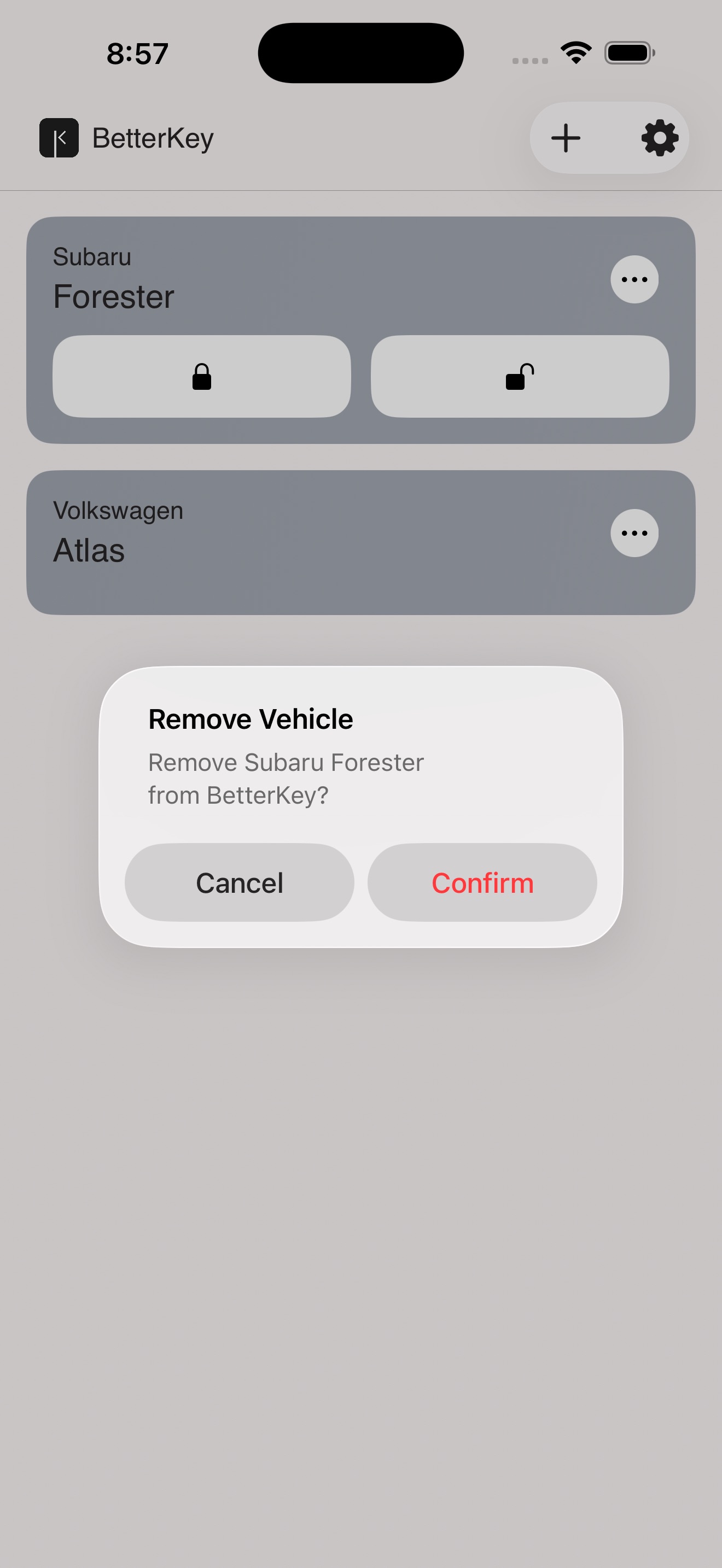
  • Remove a vehicle in BetterKey to clear its stored authorization. We also attempt to disconnect it from Smartcar in the same step.
  • Sign out to clear your session from the phone.
  • Delete your account from inside the app to remove your data on our side too.
Remove vehicle screen in BetterKey settings

FAQs

Does BetterKey ever see my automaker password? +

No. You sign in with your automaker through Smartcar's consent flow. BetterKey only receives the authorization needed to send the commands you approved. Your automaker password never reaches us.

What happens when I sign out? +

Signing out clears your app session from your device and tells our backend you're done. The next time you open BetterKey, you'll need to sign in with Apple again.

What happens if I delete and reinstall the app? +

BetterKey notices the fresh install and clears any session left behind in the iOS Keychain before starting up. Reinstalling does not quietly reuse an old session.

How do I disconnect a vehicle? +

Remove the vehicle in BetterKey. We clear our stored authorization for that vehicle and attempt to disconnect it from Smartcar in the same step. You can also revoke access from Smartcar's dashboard, which is the surest way to confirm the upstream connection is closed.

Where can I read the technical detail? +

Our blog post How BetterKey Protects Your Car Access covers the same ground in more depth, including how Apple sign-in is verified, how vehicle access is encrypted, and how incoming events are checked.

How do I report a security issue? +

Reach out through our contact page and we'll route your report to the right place. We take security reports seriously and respond as quickly as we can.

Try BetterKey free for 1 week.

Download on the App Store