Your car, from your wrist
Lock, unlock, and control your car straight from your Apple Watch — no phone required.
Your cars and actions are ready the moment you raise your wrist, whatever’s happening on your phone.

Apple Watch
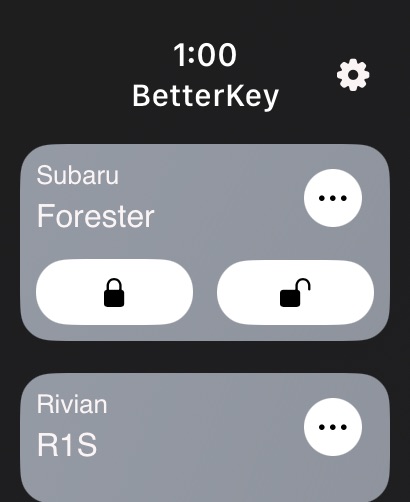
Lock and unlock from your wrist — one tap, done. Your vehicles show up as soon as you open the app.
Try BetterKey free for 1 week.
Lock, unlock, and control your car straight from your Apple Watch — no phone required.
Your cars and actions are ready the moment you raise your wrist, whatever’s happening on your phone.
No tapping around. Just raise your wrist and say “Lock my car” — and it’s done.
Siri works with all your vehicles. Have more than one? Just say the car’s name and Siri handles the rest. No app, no extra steps.
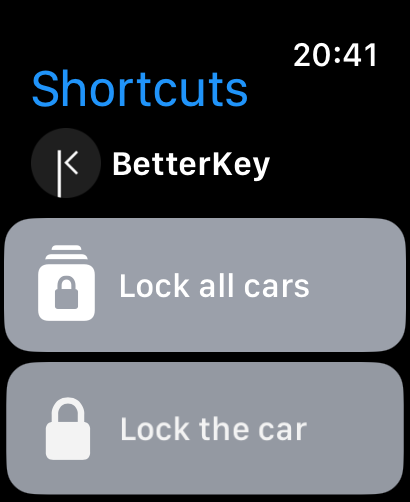
Works with the Shortcuts app too — so you can automate your locks any way you like. Try a nightly lock check. Read how →
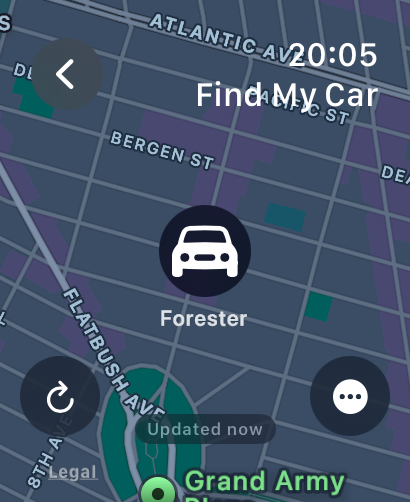
See where you parked, right from your wrist.
Find My Car displays your vehicle’s last known location from BetterKey on a map — along with your current position, so you can see exactly how far you are from your car.
Refresh anytime for the latest location. Center on yourself, jump to your car, or get walking directions in Apple Maps with a tap. A status line shows how recent the location data is, so you know what you’re working with before you head out.
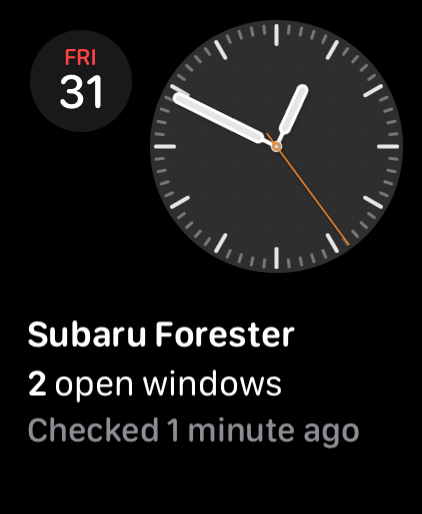
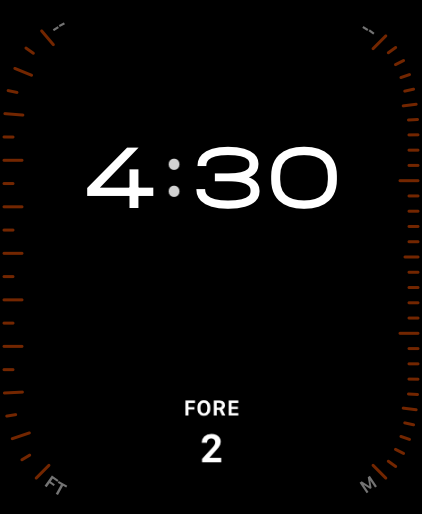
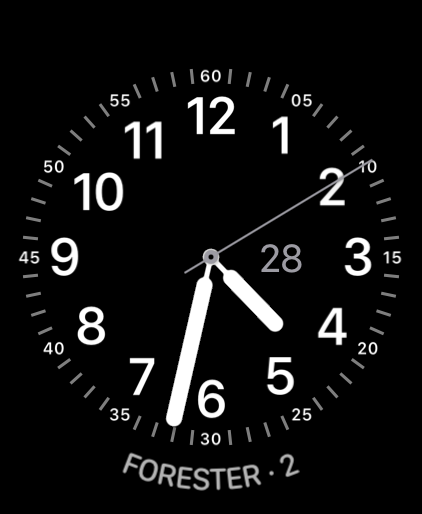
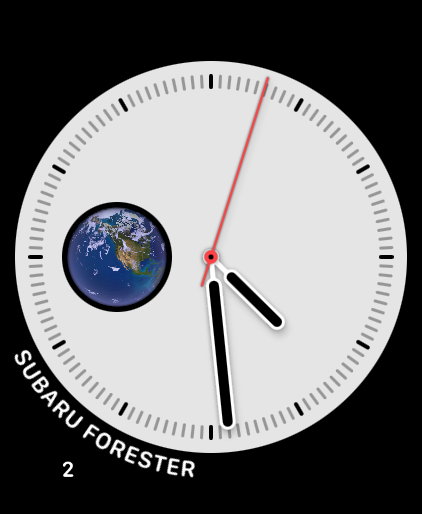
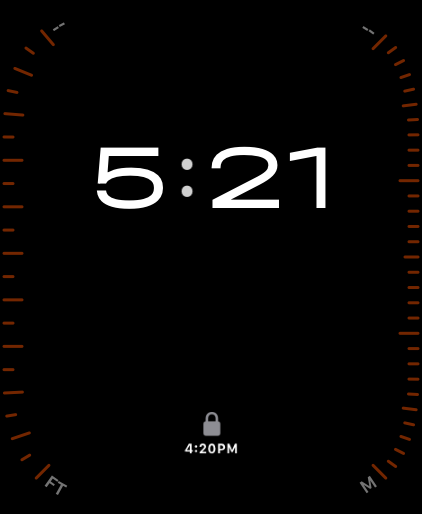
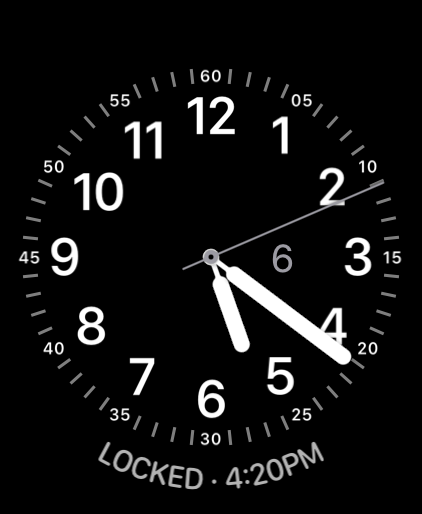
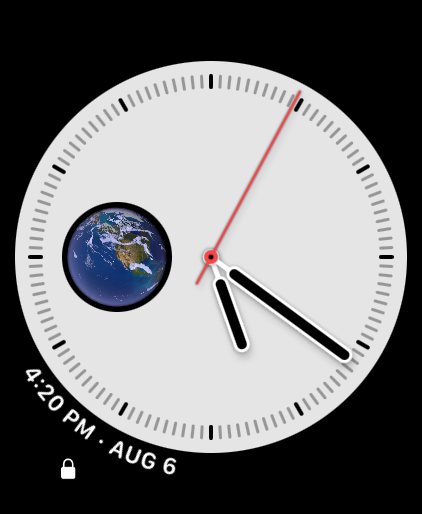
See at a glance whether any windows are still open, right on your watch face.
Add the Window Status complication to your favorite watch face and know the status instantly. A check mark means every window is closed. Otherwise, you’ll see exactly how many are still open.
Pair it with Open Window Alert, and BetterKey taps your wrist when rain is approaching and a window has been left open.
Coverage varies by make and model. Check whether your car reports window status.
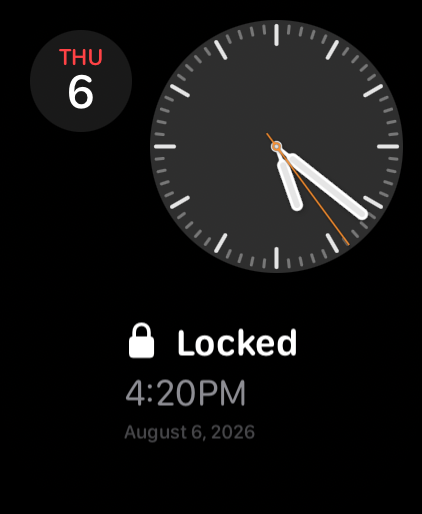
See the last thing BetterKey did, right on your watch face.
Add the Last Activity complication to your favorite watch face and see your car’s most recent lock, unlock, automation, or saved park location, alongside the time it happened.
Tap the complication to open the Activity screen and scroll back through the past seven days.
BetterKey supports a wide range of makes and model years. Check yours before you subscribe. Check compatibility →
If your Watch has its own data plan, your phone can be anywhere. If not, keep your phone nearby.
Free Week is one week of BetterKey at full strength — no credit card required. BetterKey never starts App Store billing for Free Week, so there is no cancellable StoreKit trial. When you subscribe later, billing goes through the App Store with your Apple ID.
After Free Week ends, vehicle control pauses until you subscribe. Plans are $2.99/month for one vehicle or $5.99/month for two. You can cancel anytime in your App Store subscription settings — no hidden fees, no hassle.
Try BetterKey free for 1 week.