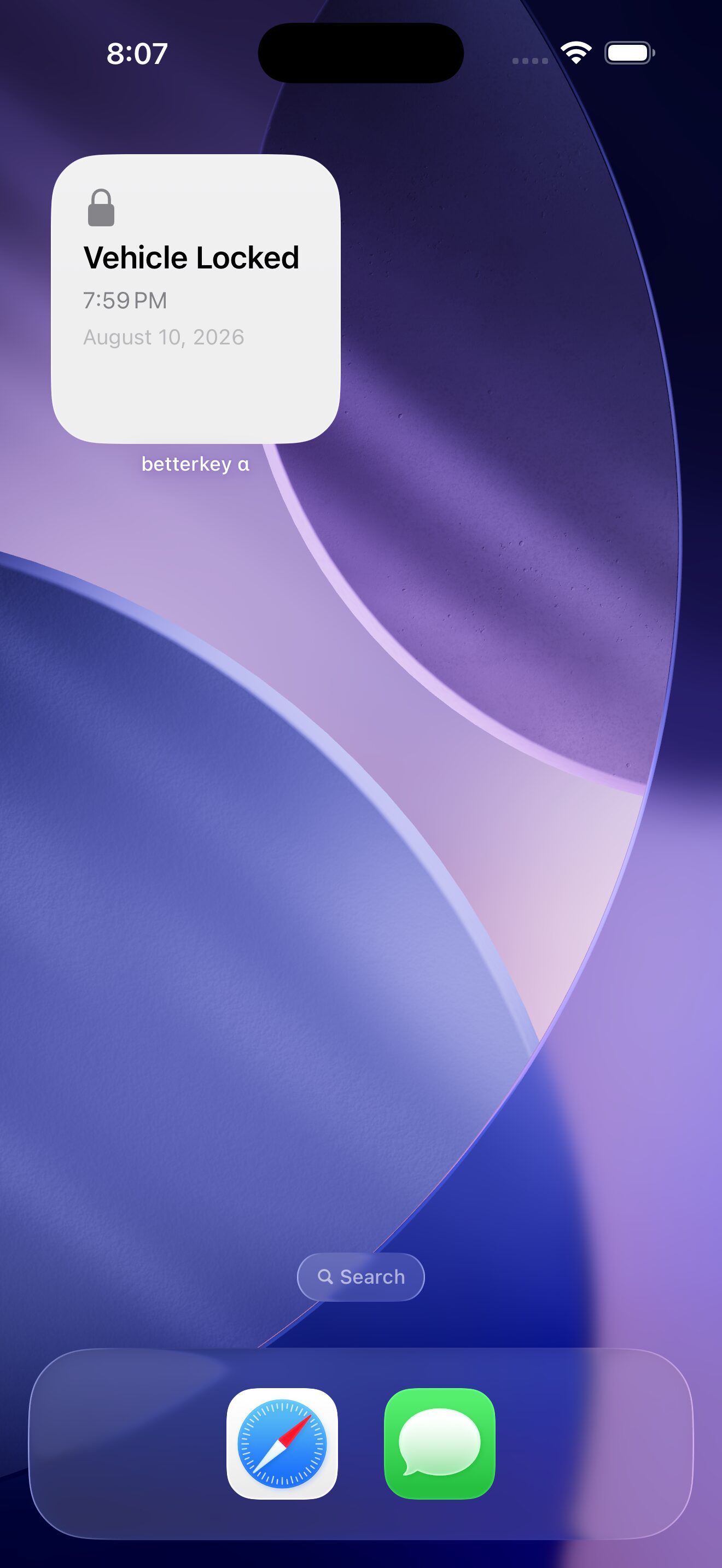
How do I add BetterKey widgets and controls on iPhone?
+
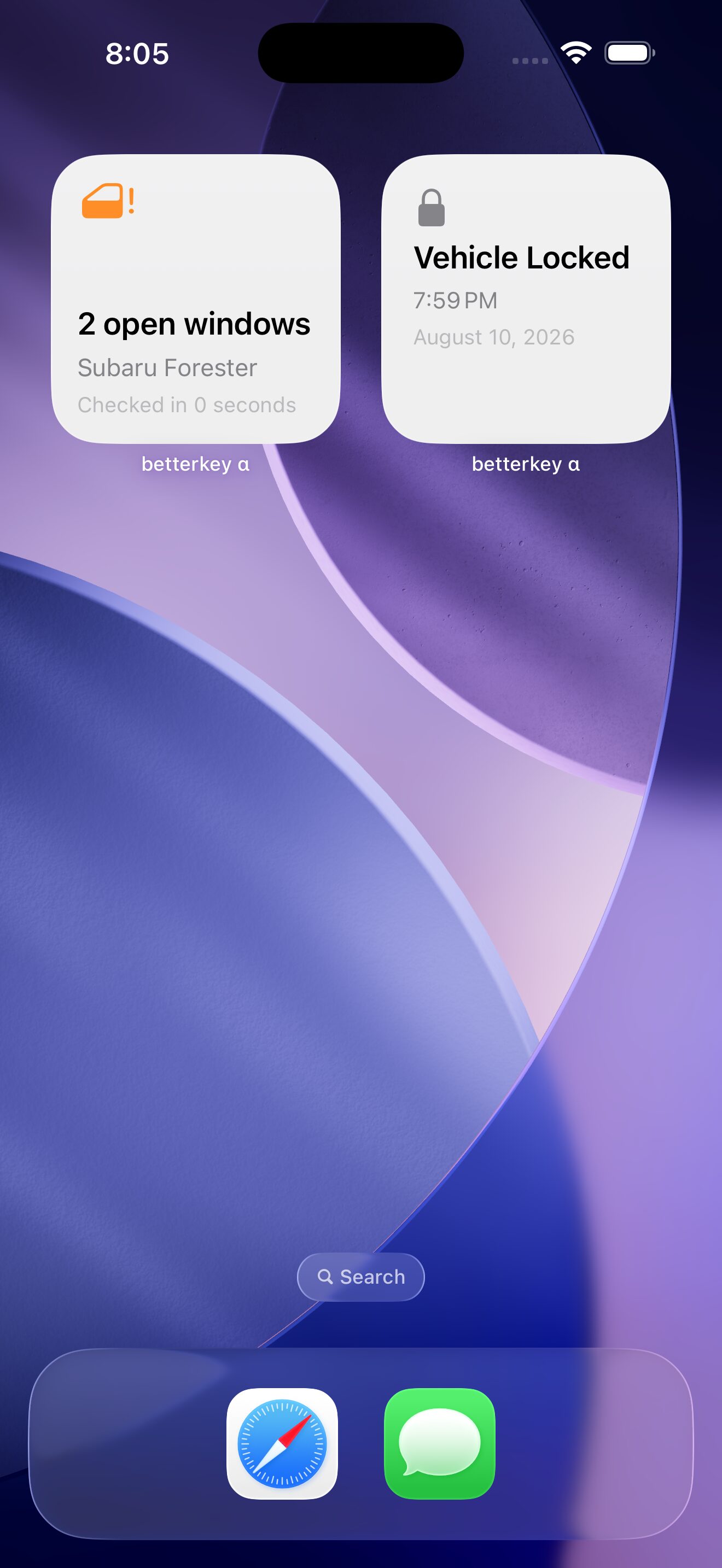
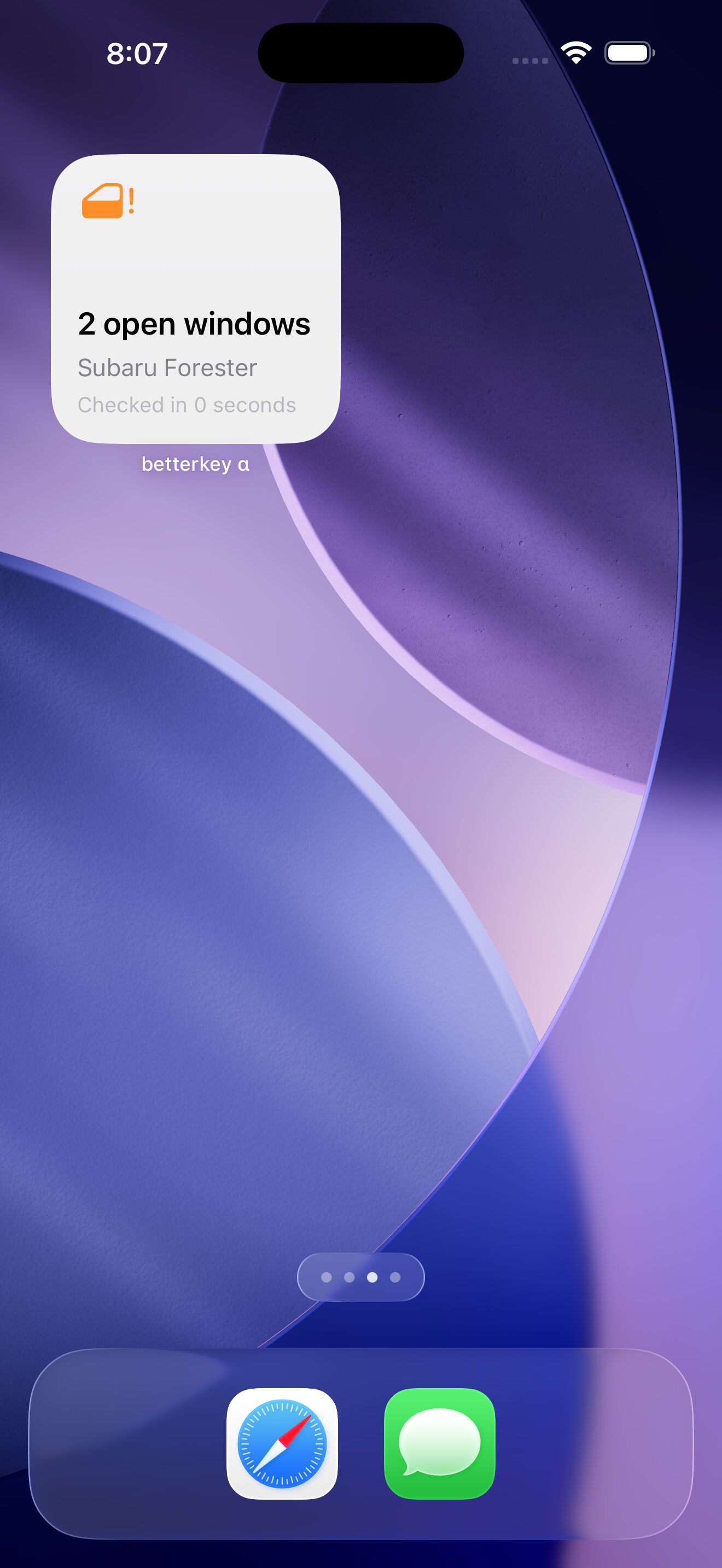
Add Vehicle Controls, Window Status, or Last Activity from the Home Screen or Lock Screen widget gallery. BetterKey Lock and Unlock are also available in Control Center, Lock Screen control positions, and the Action Button on supported iPhone models. Follow the
iPhone setup guide
for each path.
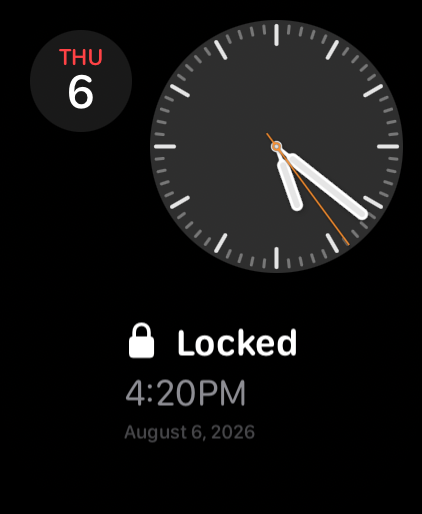
How do I add BetterKey to an Apple Watch face?
+
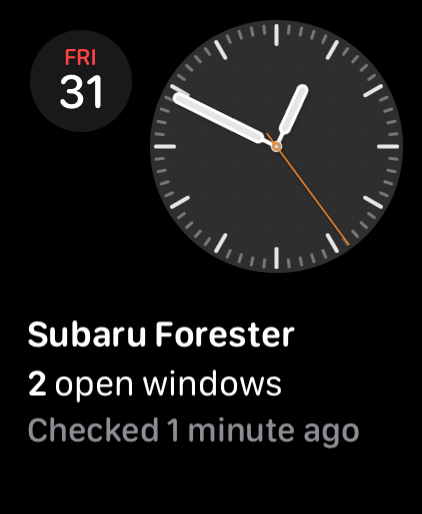
Edit a compatible watch face, select a rectangular, circular, inline, or corner slot, then choose BetterKey Window Status or Last Activity. The
Apple Watch setup guide
walks through setup on the watch and in the Watch app on iPhone.
Can each widget or control use a different vehicle?
+
Yes. Vehicle Controls, Window Status, and individual Lock or Unlock controls store one selected vehicle per instance, so you can add another instance for a second car. Last Activity needs no vehicle selection because it shows the newest item from your BetterKey Activity history.
What do vehicle controls require?
+
Lock and Unlock require iOS 18 or later, a supported connected vehicle, internet access, and an active Free Week or subscription when applicable. Check whether BetterKey supports Window Status for your vehicle on the
compatibility
page. If a supported control remains unavailable after setup, contact us and we will help resolve it.
Where can I find the full operating details?
+
The Owner’s Manual documents supported families, freshness, privacy, command behavior, and limitations for
iPhone widgets and controls
and
Apple Watch complications.